How to Choose the Right CRM for Your Real Estate Business
Learn how to choose the right real estate CRM for your business, from lead management and property matching to automation, reporting and team tools.
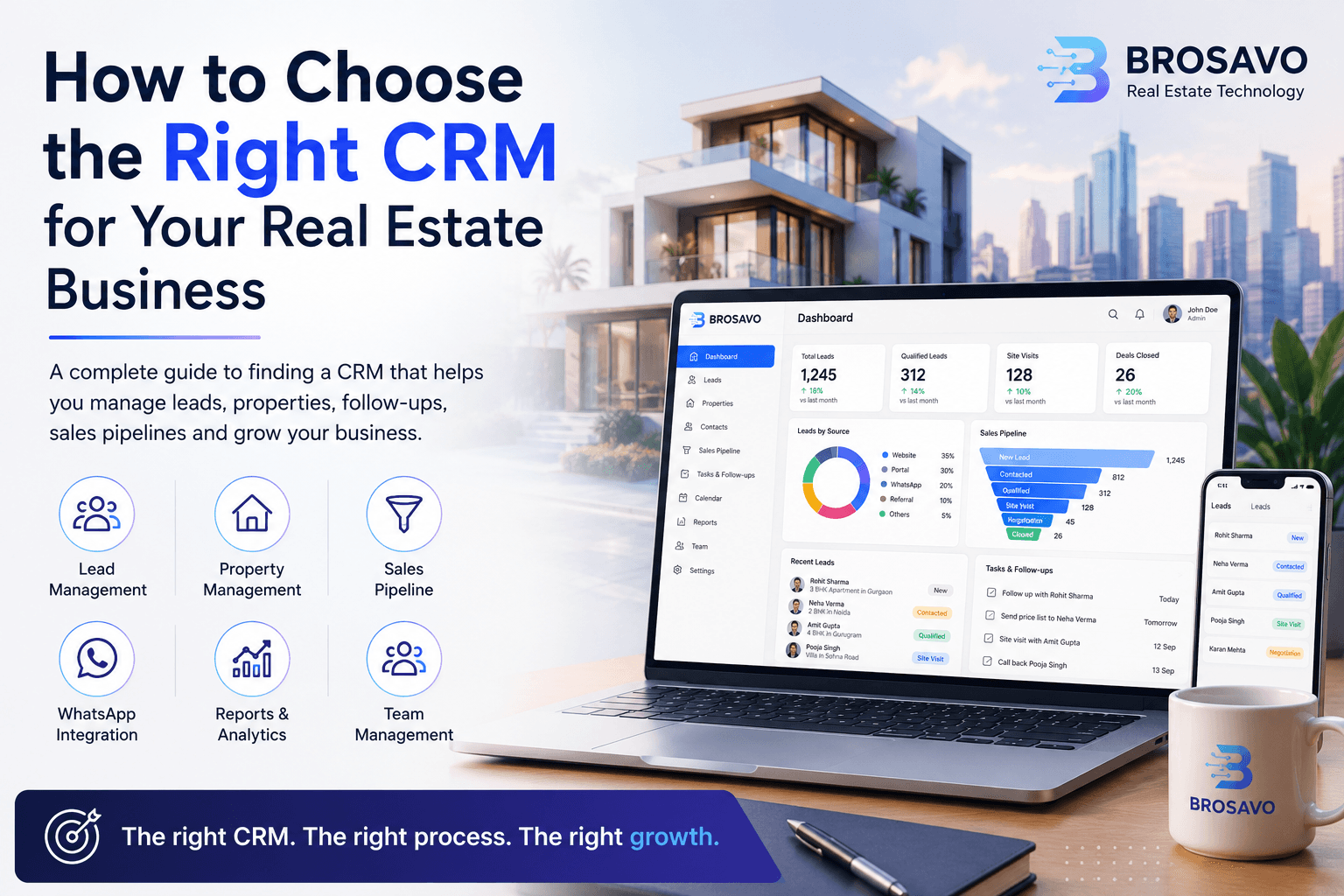
How to Choose the Right CRM for Your Real Estate Business
Choosing a CRM is an important decision for any growing real estate business.
As your company starts receiving more leads, managing customers through spreadsheets, phone contacts and individual WhatsApp conversations becomes increasingly difficult.
A good real estate CRM can bring your leads, properties, sales pipeline, follow-ups and team activity into one organized system.
But not every CRM is built for the same type of business.
So how do you choose the right one?
This guide explains the most important things to consider before selecting a CRM for your real estate business.
What Is a Real Estate CRM?
A real estate CRM is software designed to help real estate businesses manage relationships with buyers, sellers, investors, brokers and other prospects.
Unlike a basic contact-management system, a real estate CRM can connect customer information with the actual sales process.
Depending on the platform, it can help businesses manage:
- Leads
- Customers
- Properties
- Follow-ups
- Sales pipelines
- Property matching
- Team activity
- Communication
- Reports
- Marketing activities
The objective is simple:
Give your sales team one place to manage the journey from inquiry to deal.
Why Real Estate Businesses Need a CRM
Real estate sales involve more than simply finding a customer.
A typical sales process may involve:
Lead Generation
↓
Lead Capture
↓
Qualification
↓
Property Matching
↓
Follow-Up
↓
Site Visit
↓
Negotiation
↓
Booking
↓
Closing
When these activities are managed manually, important information can easily become scattered.
One salesperson may have customer information in WhatsApp.
Another may maintain an Excel spreadsheet.
A manager may have a separate report.
Property information may exist in another system.
As the business grows, this creates unnecessary complexity.
A CRM brings these activities into a structured workflow.
7 Things to Look for in a Real Estate CRM
1. Lead Management
Lead management should be one of the first things you evaluate.
The CRM should make it easy to:
- Capture leads
- Store customer information
- Assign leads
- Qualify prospects
- Track lead sources
- Record interactions
- Schedule follow-ups
- Monitor lead status
The system should help your team answer a simple question:
What should we do with this lead next?
2. Property Management
Real estate businesses don't just manage customers.
They also manage inventory.
A CRM designed for real estate should make it easy to organize information about:
- Projects
- Buildings
- Units
- Properties
- Pricing
- Availability
- Property specifications
Keeping property information close to customer information makes the sales process much easier to manage.
3. Property Matching
Property matching can be particularly valuable for real estate teams.
Imagine a customer looking for:
- 3 BHK
- Gurgaon
- ₹1.5 crore budget
- Ready-to-move property
Instead of manually searching through multiple spreadsheets, your team should be able to identify properties that match those requirements.
A CRM that connects customer preferences with property inventory can help salespeople respond faster and provide more relevant options.
4. Sales Pipeline Management
A CRM should give your team a clear view of where every opportunity stands.
For example:
New
↓
Contacted
↓
Qualified
↓
Property Matched
↓
Site Visit
↓
Negotiation
↓
Booking
↓
Closed
This allows sales managers to understand:
- How many opportunities are active
- Which deals are close to conversion
- Which leads need follow-up
- Where opportunities are getting stuck
A visual sales pipeline can turn a complicated sales operation into something much easier to understand.
5. Follow-Up Management
Real estate deals rarely happen after a single conversation.
A prospect might need several calls before booking a property.
That's why follow-up management is essential.
Your CRM should help salespeople keep track of:
- Previous conversations
- Next follow-up date
- Tasks
- Calls
- Meetings
- Site visits
- Customer requirements
The objective isn't to send more messages.
It's to make sure important opportunities don't get forgotten.
6. Communication and WhatsApp
For many real estate businesses, WhatsApp is an important customer communication channel.
When evaluating a CRM, consider whether it can integrate communication into the sales process.
For example:
Lead → WhatsApp Conversation → Follow-Up → Property → Sales Pipeline
This creates a much more connected customer journey than keeping communication completely separate from the CRM.
7. Reports and Analytics
A CRM should help managers understand what is actually happening inside the sales operation.
Useful reports can include:
- Leads by source
- Leads by salesperson
- Conversion rates
- Follow-up activity
- Site visits
- Bookings
- Sales performance
- Pipeline value
- Lost opportunities
Data can help managers identify where the sales process is working and where improvements are needed.
Cloud-Based vs. Spreadsheet-Based CRM
Many small real estate businesses start with spreadsheets.
There is nothing wrong with using a spreadsheet when the business is small.
But problems can appear as the number of leads and salespeople increases.
A spreadsheet usually doesn't provide the same level of workflow management, automation, communication tracking and team visibility as a dedicated CRM.
If your sales team is growing, it may be time to move from simple record keeping to a structured sales system.
Should You Choose a General CRM or a Real Estate CRM?
This depends on your business.
A general CRM may provide excellent contact and sales management features.
However, real estate businesses have specific requirements.
They may need to manage:
- Properties
- Projects
- Units
- Customer requirements
- Property matching
- Site visits
- Brokers
- Sales pipelines
A real estate-focused CRM can reduce the amount of customization needed to support these workflows.
The important question isn't simply:
"Is this CRM popular?"
The better question is:
"Does this CRM fit the way our real estate business actually operates?"
How Much Should You Pay for a Real Estate CRM?
Price is important, but it shouldn't be the only factor.
A cheaper CRM that your team doesn't use can be more expensive than a properly implemented system that improves productivity.
When comparing pricing, consider:
- Number of users
- Available features
- Lead limits
- Property limits
- Automation
- Communication integrations
- Reporting
- Customer support
- Scalability
Think about the total value the system can provide rather than simply comparing subscription prices.
Questions to Ask Before Choosing a CRM
Before purchasing a CRM, ask:
Can it handle our lead volume?
Your CRM should be able to scale with your business.
Can our sales team use it easily?
A complicated CRM may result in poor adoption.
Can we manage properties?
This is particularly important for property-focused businesses.
Can we track follow-ups?
Every important opportunity should have a next action.
Can managers see team performance?
Sales managers need visibility into activity and results.
Can it integrate with our communication channels?
Communication should fit naturally into your sales workflow.
Can it grow with our business?
The CRM you choose today should not become a limitation six months later.
BROSAVO: Built for Real Estate Sales
BROSAVO is designed around the specific challenges faced by modern real estate businesses.
Instead of treating customers and properties as completely separate systems, BROSAVO connects important parts of the sales process.
Teams can manage:
- Leads
- Properties
- Property matching
- Sales pipelines
- Follow-ups
- WhatsApp communication
- Team management
- Reports and analytics
The goal is to give real estate teams a more organized way to manage their sales operation.
Whether you're an individual broker, a growing real estate agency or a larger property business, the right CRM should help your team spend less time managing information and more time moving opportunities forward.
The Best CRM Is the One Your Team Uses
There are many CRM platforms available.
But features alone don't determine whether a CRM will succeed inside your business.
The system needs to be:
Easy to use.
Relevant to your workflow.
Accessible to your team.
Scalable as you grow.
And most importantly:
Actually used every day.
A CRM only creates value when your sales team consistently uses it to manage real opportunities.
Final Thoughts
Choosing a real estate CRM is ultimately about choosing a better way to manage your sales process.
Look beyond the number of features.
Evaluate how the platform handles:
- Leads
- Properties
- Property matching
- Follow-ups
- Sales pipelines
- Communication
- Team management
- Reporting
The right system can give your sales team a clearer view of every opportunity and help your managers make better decisions.
And remember:
You don't necessarily need more leads.
You need a system that helps you make the most of the leads you already have.
Ready to Build a Better Real Estate Sales Process?
Brosavo CRM brings leads, properties, sales pipelines, follow-ups, communication and team management together in one platform.
- What is a real estate CRM?
- Brosavo for realtors
- Brosavo for agents
- Brosavo for developers
- Best real estate CRM guide
- Pricing
- Talk to Brosavo
Explore BROSAVO and build a smarter way to manage your real estate business.
Frequently Asked Questions
What should I look for in a real estate CRM?+
Match the CRM to your sales process: lead capture, follow-ups, property matching, pipeline stages, team permissions, reporting, and the communication tools your agents already use, such as WhatsApp.
Is a real estate CRM different from a generic CRM?+
Yes. Real estate CRMs are built around listings, site visits, buyer requirements, and property-led pipelines, not just a generic contact database.
How do I know if my team will actually use the CRM?+
Run a short trial with real leads. If agents still keep WhatsApp and spreadsheets as the source of truth after two weeks, the product is too heavy or a poor fit for your workflow.
Should small agencies buy an enterprise CRM?+
Usually no. Start with lead management, follow-ups, and a clean pipeline. Add inventory, automation, and advanced reporting when the team is already logging activity every day.
Where can I compare real estate CRM options and pricing?+
Read Brosavo's comparison guide and pricing page, then book a walkthrough of the CRM if you want to see lead, property, and follow-up workflows in one system.
Transform Your Real Estate Business with Brosavo
Brosavo Real Estate CRM helps real estate professionals capture leads, automate follow-ups, manage properties, organize customer relationships, and streamline their daily operations from one modern platform.

Written by
Brosavo Editorial Team
Research & Content Team
The Brosavo Editorial Team publishes in-depth guides, industry research, software comparisons, and best practices for real estate professionals. Every article is reviewed for accuracy and updated regularly to reflect the latest trends in the real estate industry.
Related posts
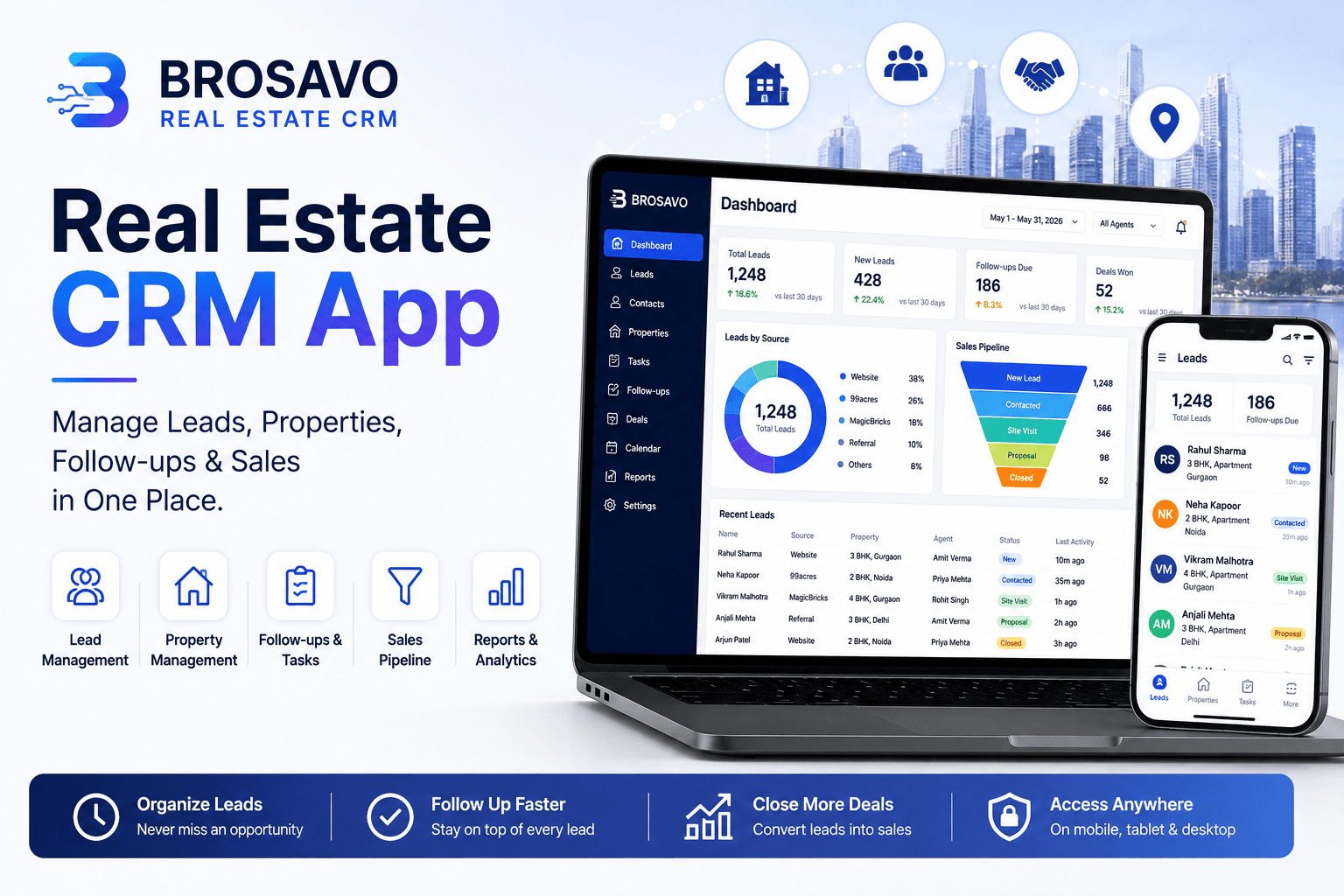
Real Estate CRM App: Manage Leads, Properties, Follow-Ups & Sales in One Place
Looking for a real estate CRM app? Discover how BROSAVO helps agents, brokers and teams manage leads, properties, follow-ups and sales.
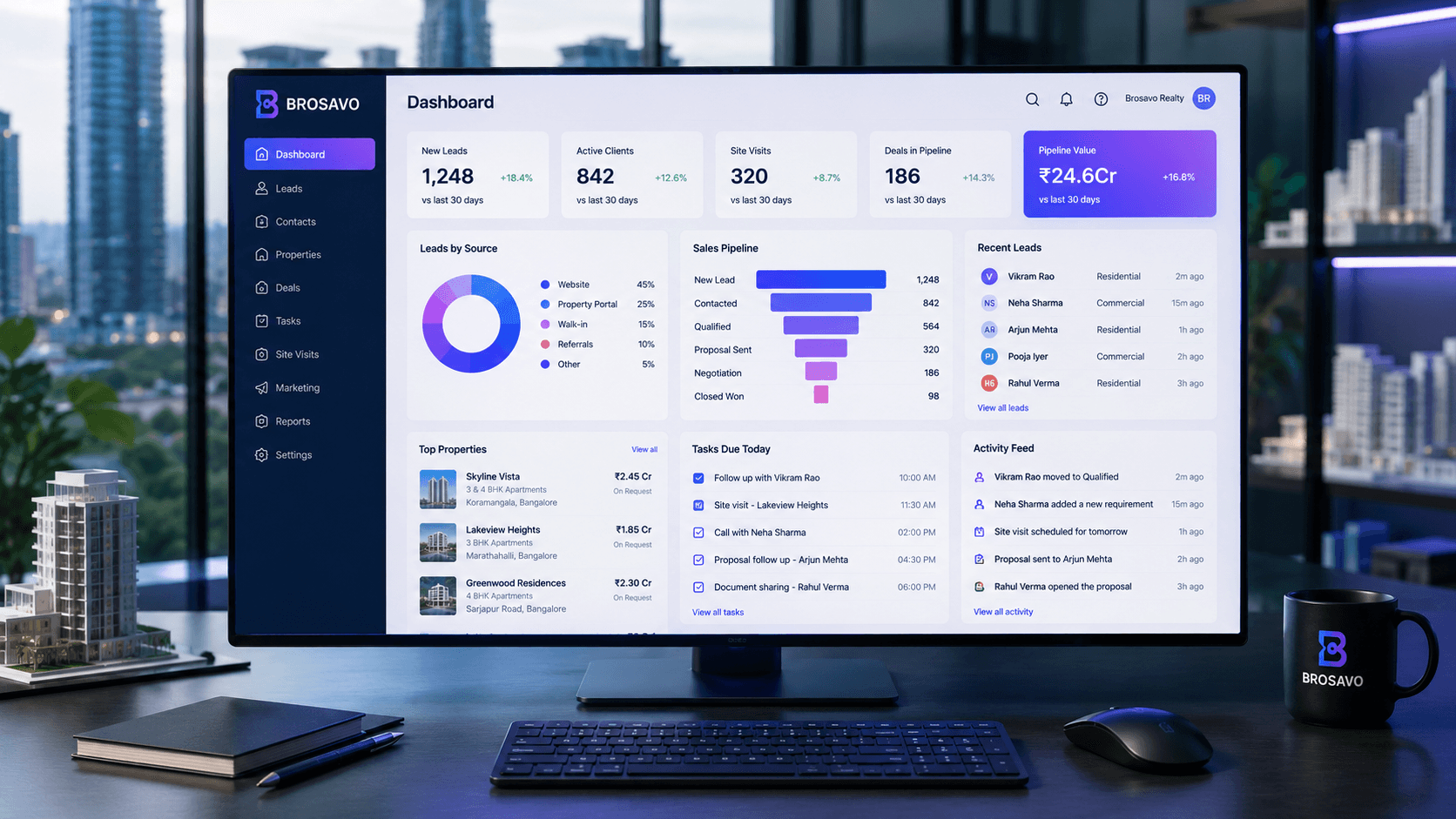
Real Estate CRM Software | Brosavo Real Estate CRM
Brosavo Real Estate CRM helps agents, brokers and sales teams manage leads, customers, properties, follow-ups and real estate sales pipelines.
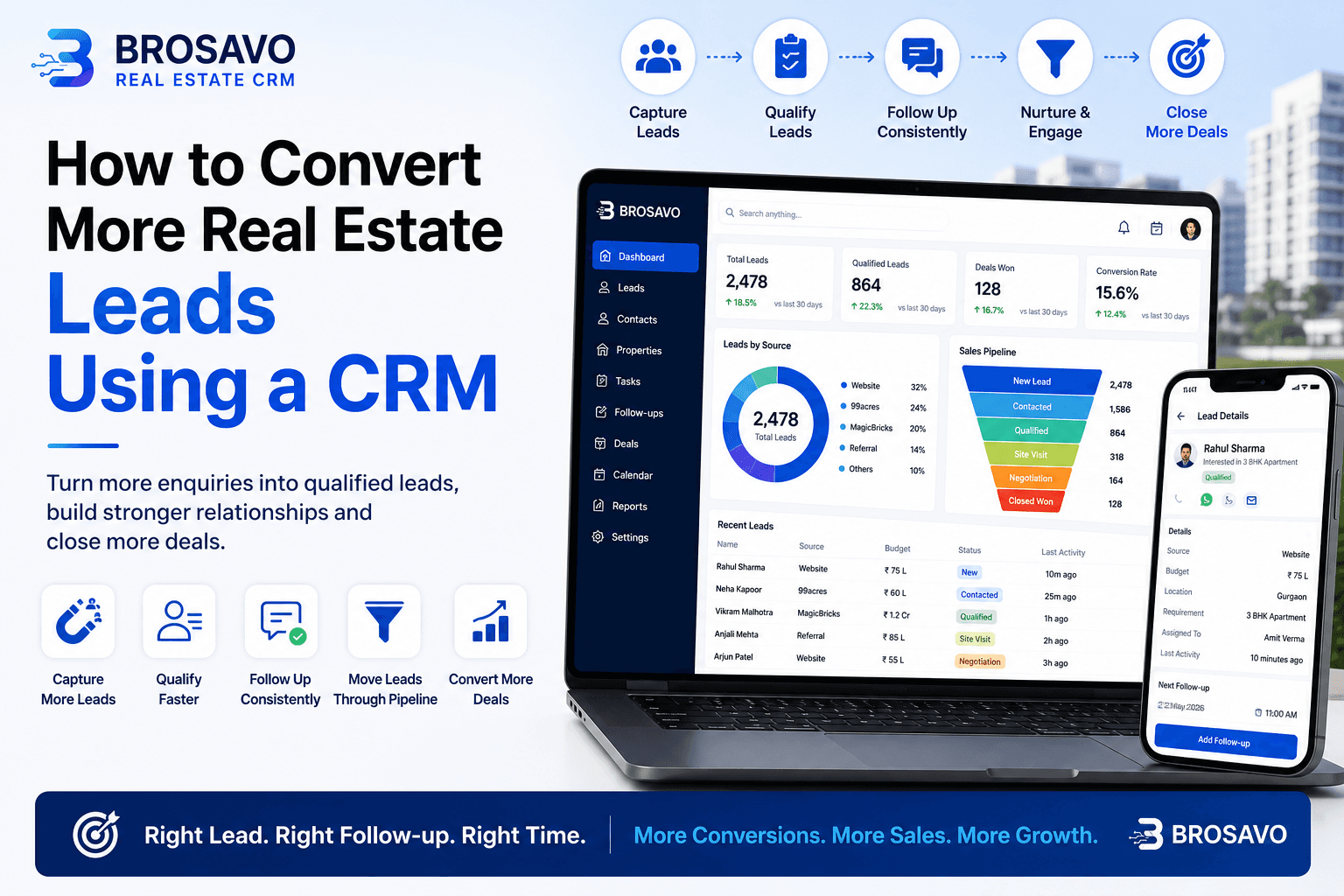
How to Convert More Real Estate Leads Using a CRM
Learn how to convert more real estate leads using CRM software to organize enquiries, follow-ups, property requirements and sales opportunities.