Best CRM Software for Real Estate in 2026: 10 Platforms Compared
Compare the best CRM software for real estate in 2026. See how leading platforms differ in lead management, property workflows, automation, sales pipelines, integrations, pricing, and AI capabilities.
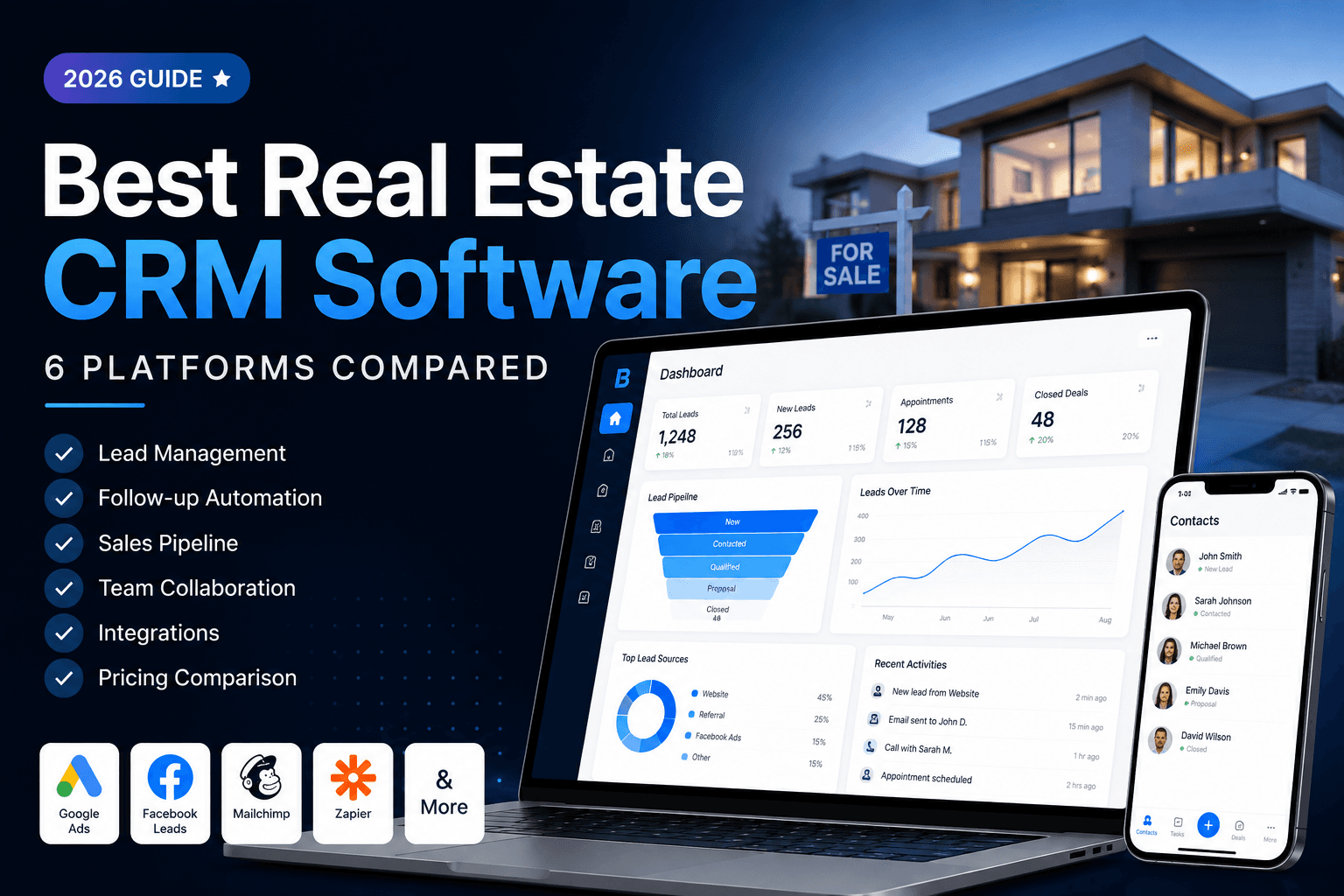
Best CRM Software for Real Estate in 2026
Choosing the best CRM software for real estate is not simply about finding the platform with the most features. The right CRM should fit the way a real estate business actually sells property.
For some businesses, the priority is lead follow-up. For others, it is property inventory, lead-to-property matching, WhatsApp communication, team management, automation, reporting, or AI-assisted workflows.
In this guide, we compare 10 CRM platforms and explain what each one is best suited for, who should consider it, and what buyers should evaluate before making a decision.
Quick Answer: What Is the Best CRM Software for Real Estate?
There is no single CRM that is the best choice for every real estate business.
The right platform depends on your sales model, lead volume, property workflow, team structure, automation requirements, integrations, budget, and the level of real-estate-specific functionality you need.
For businesses that want a CRM built specifically around the relationship between leads, customers, properties, follow-ups, and sales pipelines, BROSAVO is a strong option to evaluate.
Quick comparison
| CRM | Best For | Key Differentiator |
|---|---|---|
| BROSAVO | Property-focused real estate sales teams | AI-powered real estate CRM connecting leads, properties, follow-ups, and sales workflows |
| Follow Up Boss | Lead follow-up and team workflows | Lead distribution, communication, and follow-up |
| Real Geeks | Website-led real estate marketing | Website, lead generation, and CRM |
| Wise Agent | Agents and small teams | Established real-estate CRM workflows |
| Top Producer | Relationship-focused real estate professionals | Long-established real estate CRM workflows |
| Lofty | Teams wanting an integrated real estate platform | CRM, marketing, website, and automation |
| CINC | Lead generation-focused teams | Lead generation, websites, and CRM |
| HubSpot | Businesses wanting a broader CRM ecosystem | Broad CRM, marketing, sales, and automation ecosystem |
| Pipedrive | Sales teams wanting flexible pipeline management | Visual sales pipeline and sales automation |
| Zoho CRM | Businesses wanting a configurable general CRM | Customization and broad business functionality |
The best choice is the one that matches your actual sales process rather than the one with the longest feature list.
Which Real Estate CRM Is Best for You?
Before comparing individual platforms, start with the problem you need the CRM to solve.
Best for connecting leads with properties
BROSAVO
BROSAVO is designed around a property-focused sales workflow where lead management and property information are part of the same process.
A typical workflow can look like:
Lead → Qualification → Requirement → Property Matching → Follow-Up → Sales Pipeline → Closing
This is particularly relevant for real estate businesses that do not want their customer records and property workflows living in completely separate systems.
Best for lead follow-up and team workflows
Follow Up Boss
A strong option for businesses where lead response, follow-up, routing, communication, and team activity are the primary CRM requirements.
Best for website-driven lead generation
Real Geeks
A platform to consider when website lead generation, marketing, and CRM are central to the sales strategy.
Best for smaller real estate teams
Wise Agent
A real-estate-focused CRM option for agents and smaller teams looking for established CRM and follow-up functionality.
Best for broader sales pipeline management
Pipedrive
A strong choice for businesses that want a flexible sales pipeline and broader sales-management capabilities, even if real estate-specific workflows require configuration.
Best for a broad CRM ecosystem
HubSpot
A strong choice for businesses that want CRM, marketing, sales, customer service, and automation capabilities within a broader business platform.
10 Best CRM Software for Real Estate in 2026
The following platforms represent different approaches to real estate CRM.
There is no universal ranking because the best platform depends on what you need the CRM to accomplish.
1. BROSAVO
Best for: AI-powered real estate sales workflows connecting leads, properties, follow-ups, and sales pipelines.
BROSAVO takes a property-focused approach to CRM.
Instead of treating real estate as a generic contact-management problem, BROSAVO is built around the operational relationship between:
Lead → Customer → Property → Follow-Up → Sales Opportunity
The platform combines real estate lead management, property inventory, property matching, sales pipeline management, WhatsApp workflows, reporting, and team management.
BROSAVO also positions its real estate CRM as an AI-powered platform, making AI a part of the product direction rather than simply adding the phrase "AI-powered" to a generic CRM description.
Why BROSAVO is different
The strongest differentiation is not simply that BROSAVO has CRM features.
It is that the CRM is designed around the property-sales workflow.
A typical customer journey can look like:
Lead Captured ↓ Lead Qualified ↓ Customer Requirement Recorded ↓ Relevant Property Identified ↓ Follow-Up ↓ Site Visit / Opportunity ↓ Negotiation ↓ Closing
This connects the customer side of the CRM with the property side of the sales process.
BROSAVO is particularly relevant for
- Real estate agents
- Property consultants
- Real estate teams
- Brokerages
- Builders
- Developers
- Property sales teams
- Channel partners
- Growing real estate businesses
Core BROSAVO capabilities
- Lead management
- Lead capture
- Lead qualification workflows
- Customer management
- Property inventory
- Property matching
- Sales pipeline
- Follow-up management
- WhatsApp workflows
- Team management
- Reporting and analytics
- Mobile CRM
- Automation
- AI-powered CRM direction
What makes BROSAVO different from a generic CRM?
A generic CRM can store a customer record and move it through a sales pipeline.
A property-focused CRM should also understand the relationship between the customer requirement and the property being sold.
That distinction matters for businesses where the sales process depends on questions such as:
- What property does this customer want?
- What location do they prefer?
- What budget are they working with?
- Which property or project is relevant?
- What follow-up is due?
- Which agent owns the opportunity?
- Where is the opportunity in the sales pipeline?
BROSAVO is designed around this property-sales relationship.
Best for
Real estate businesses that want an AI-powered CRM built around leads, properties, matching, follow-ups, and sales.
Consider another CRM if
You primarily need a large general-purpose enterprise CRM ecosystem rather than a real-estate-focused workflow.
2. Follow Up Boss
Best for: Real estate teams focused heavily on lead follow-up, communication, lead distribution, and team workflows.
Follow Up Boss is well known in the real estate CRM category and focuses strongly on managing and following up with leads.
It can be particularly relevant for:
- Real estate teams
- ISAs
- Brokerages
- High-volume lead operations
- Businesses receiving leads from multiple sources
Strengths
- Lead follow-up
- Lead routing
- Communication workflows
- Team management
- Sales activity visibility
- Real estate-specific positioning
Consider another CRM if
Your primary requirement is a property-centric CRM where property inventory and customer-property matching are central to the workflow.
3. Real Geeks
Best for: Real estate businesses combining website lead generation, marketing, and CRM.
Real Geeks takes a website and lead-generation-oriented approach to real estate technology.
It can be relevant for businesses that want their website, lead generation, marketing, and CRM activities closely connected.
Strengths
- Real estate websites
- Lead generation
- CRM
- Marketing workflows
- Property-focused online presence
Consider another CRM if
Your biggest requirement is a highly property-centric internal sales workflow rather than website-driven lead generation.
4. Wise Agent
Best for: Real estate agents and smaller teams looking for established real estate CRM workflows.
Wise Agent provides functionality around contact management, lead management, follow-up, marketing, and related real estate workflows.
Strengths
- Real estate-specific positioning
- Contact management
- Lead management
- Follow-up
- Marketing
- Team use
Consider another CRM if
You need a more deeply integrated property-sales workflow or broader enterprise automation ecosystem.
5. Top Producer
Best for: Real estate professionals looking for an established CRM focused on relationships and follow-up.
Top Producer has a long history in the real estate technology category.
It is worth considering for professionals and teams that prioritize established relationship-management and follow-up workflows.
Strengths
- Real estate focus
- Relationship management
- Follow-up
- Established market presence
Consider another CRM if
You need a newer property-focused workflow centered heavily around lead-to-property matching and connected sales operations.
6. Lofty
Best for: Real estate teams looking for a broader integrated technology platform.
Lofty combines CRM capabilities with other real estate technology functions.
It can be relevant for businesses that want a broader collection of marketing, website, CRM, and automation capabilities.
Strengths
- Real estate focus
- CRM
- Marketing
- Website capabilities
- Automation
- Team workflows
Consider another CRM if
You prefer a simpler CRM centered specifically on lead, customer, property, and sales workflows.
7. CINC
Best for: Real estate businesses where lead generation and marketing are major priorities.
CINC is focused on real estate lead generation and the technology surrounding online acquisition and CRM workflows.
Strengths
- Lead generation
- Real estate websites
- Marketing
- CRM
- Team workflows
Consider another CRM if
Your primary need is a property-centric internal CRM rather than a lead-generation-first platform.
8. HubSpot
Best for: Businesses that want a broad CRM, marketing, sales, service, and automation ecosystem.
HubSpot is not limited to real estate and is therefore different from specialist real estate CRMs.
Its advantage is the breadth of its business platform.
Strengths
- CRM
- Marketing
- Sales
- Automation
- Reporting
- Integrations
- Broad business ecosystem
Consider another CRM if
You want real-estate-specific workflows without needing to configure a general CRM around property sales.
9. Pipedrive
Best for: Sales teams that prioritize flexible pipeline management.
Pipedrive is primarily a sales CRM rather than a dedicated real estate CRM.
Its visual pipeline approach can work well for businesses that want to configure their own sales process.
Strengths
- Visual sales pipeline
- Sales activity management
- Automation
- Reporting
- Customization
Consider another CRM if
Property inventory, customer-property matching, and real-estate-specific workflows are core requirements.
10. Zoho CRM
Best for: Businesses looking for a configurable general-purpose CRM.
Zoho CRM provides broad business CRM capabilities and can be configured for different industries.
Strengths
- CRM customization
- Sales management
- Automation
- Reporting
- Broad business ecosystem
- Integrations
Consider another CRM if
You want a CRM that is purpose-built around real estate rather than a general CRM that needs to be configured for it.
Real Estate CRM Comparison
The table below is intended as a high-level buying guide. Product capabilities, integrations, plans, and pricing can change, so verify current details directly with each provider before purchasing.
| CRM | Real Estate Focus | Lead Management | Property Workflows | Sales Pipeline | Automation | Team Features | AI / Intelligent Features | Website / Lead Capture |
|---|---|---|---|---|---|---|---|---|
| BROSAVO | High | Yes | Core focus | Yes | Yes | Yes | AI-powered platform | Yes |
| Follow Up Boss | High | Yes | Limited / workflow-dependent | Yes | Yes | Yes | Verify current plan | Integrations |
| Real Geeks | High | Yes | Property-focused | Yes | Yes | Yes | Verify current plan | Core focus |
| Wise Agent | High | Yes | Real-estate workflows | Yes | Yes | Yes | Verify current plan | Integrations |
| Top Producer | High | Yes | Real-estate workflows | Yes | Yes | Yes | Verify current plan | Integrations |
| Lofty | High | Yes | Real-estate workflows | Yes | Yes | Yes | Verify current plan | Yes |
| CINC | High | Yes | Real-estate workflows | Yes | Yes | Yes | Verify current plan | Core focus |
| HubSpot | General CRM | Yes | Configuration required | Yes | Yes | Yes | AI capabilities available | Yes |
| Pipedrive | General CRM | Yes | Configuration required | Core focus | Yes | Yes | AI capabilities available | Yes |
| Zoho CRM | General CRM | Yes | Configuration required | Yes | Yes | Yes | AI capabilities available | Yes |
How We Evaluated the Best CRM Software for Real Estate
We evaluated these platforms around the workflows that matter most to real estate businesses.
A long feature list does not automatically make a CRM better.
The more useful question is:
Can the platform help a real estate business move from enquiry to opportunity to sale with less manual work and better visibility?
We considered the following areas.
1. Lead Management
Can the CRM:
- Capture leads
- Organize prospects
- Record lead sources
- Assign ownership
- Track lead status
- Maintain customer information
- Track follow-ups
2. Property Workflows
For a real estate CRM, customer information is only one side of the process.
We also consider whether the platform supports workflows involving:
- Properties
- Projects
- Inventory
- Customer requirements
- Property enquiries
- Property matching
- Property-related opportunities
3. Sales Pipeline
Can the business see where each opportunity is?
A typical real estate pipeline may include:
New Lead → Contacted → Qualified → Property Discussion → Site Visit → Negotiation → Closed
The exact stages should be configurable around the business's actual sales process.
4. Automation
We look at whether the platform can reduce repetitive work through:
- Reminders
- Tasks
- Follow-up workflows
- Communication automation
- Lead routing
- Activity tracking
- Automated actions
5. AI and Intelligent Workflows
AI should not be treated as a checkbox.
For a real estate CRM, useful AI applications can include:
- Lead prioritization
- Lead qualification assistance
- Opportunity insights
- Follow-up recommendations
- Customer intent analysis
- Property recommendation assistance
- Sales productivity
- Automated summaries
When comparing a platform, verify which AI capabilities are actually available in the current product and plan.
6. Communication
Real estate sales depend heavily on communication.
Consider:
- Phone
- Messaging
- Communication history
- Follow-up reminders
- Templates
7. Team Management
For teams and brokerages, consider:
- Lead assignment
- Ownership
- Permissions
- Agent activity
- Team reporting
- Pipeline visibility
- Manager dashboards
8. Reporting
Useful reports can include:
- Lead source
- Agent activity
- Response time
- Conversion
- Pipeline value
- Lost opportunities
- Sales performance
- Team performance
9. Integrations
Consider whether the CRM connects with the tools your business already uses.
Potential integration categories include:
- Websites
- Lead sources
- Property portals
- Advertising platforms
- Calendars
- Calling
- Accounting
- APIs
10. Pricing and Total Cost
Do not compare CRM pricing based only on the advertised monthly subscription.
Consider:
- User fees
- Communication charges
- Add-ons
- Integrations
- Data migration
- Onboarding
- Training
- Premium support
- Enterprise features
What Is a Real Estate CRM?
A real estate CRM is software designed to help agents, brokers, agencies, developers, and property sales teams manage leads, customers, properties, follow-ups, opportunities, and sales activity.
A generic CRM may organize contacts and sales opportunities.
A real estate CRM should go further by understanding the relationship between:
Customer → Requirement → Property → Follow-Up → Sales Opportunity
For example, a buyer may have:
- Preferred location
- Property type
- Configuration
- Budget
- Purchase timeline
- Preferred amenities
The CRM should make it easier for the sales team to maintain this information alongside the customer's sales activity.
Why Real Estate Businesses Use CRM Software
Real estate teams often manage large numbers of enquiries across multiple channels.
Leads may arrive from:
- Websites
- Property portals
- Advertising
- Social media
- Phone calls
- Referrals
- Walk-ins
- Manual enquiries
Without a structured system, information can become scattered across spreadsheets, messaging applications, email, notes, and separate portal dashboards.
A CRM creates a central process.
For example:
Lead arrives ↓ Lead assigned ↓ Lead qualified ↓ Customer requirement recorded ↓ Property identified ↓ Follow-up scheduled ↓ Opportunity progresses ↓ Sale closed
The goal is not simply to store more contacts.
The goal is to create a repeatable sales process.
What Makes a Real Estate CRM Different From a Generic CRM?
A generic CRM can be powerful.
But a real estate business may need to manage information that is specific to property sales.
For example:
Generic CRM
Contact → Opportunity → Deal
Real Estate CRM
Lead → Requirement → Property → Follow-Up → Site Visit → Negotiation → Closing
The difference becomes even more important when a sales team manages:
- Multiple properties
- Multiple projects
- Property inventory
- Different customer requirements
- Multiple agents
- Different sales channels
- High enquiry volumes
This is why buyers should evaluate workflow fit, not simply the number of features.
Why BROSAVO Takes a Different Approach
BROSAVO is built around a specific real estate problem:
How do you connect the customer who wants a property with the property your business is trying to sell, and then manage everything that happens next?
That leads to a workflow such as:
Lead ↓ Qualification ↓ Customer Requirement ↓ Property Matching ↓ Follow-Up ↓ Sales Pipeline ↓ Negotiation ↓ Closing
This is the core differentiation we recommend evaluating when comparing BROSAVO with more general CRM platforms.
BROSAVO also positions its real estate CRM as an AI-powered platform, with the broader goal of using intelligent technology alongside real estate sales workflows.
The value of AI should ultimately be measured by what it helps the sales team accomplish, not by the presence of an "AI" label.
Best CRM for Real Estate Agents
Individual agents typically need:
- Easy lead management
- Customer records
- Follow-up reminders
- Property requirements
- Property matching
- Mobile access
- Sales pipeline
- Communication management
BROSAVO is designed around these property-sales workflows.
An individual agent can organize the process from:
New Enquiry → Qualification → Property Matching → Follow-Up → Closing
Best CRM for Real Estate Teams
Teams need more than contact management.
They need visibility.
A team CRM should help managers understand:
- Which leads are new?
- Who owns each lead?
- Which leads need follow-up?
- Which properties are being discussed?
- Which opportunities are active?
- Which agents are converting?
- Where are deals getting stuck?
Lead assignment, team permissions, reporting, automation, and pipeline visibility become increasingly important as the team grows.
Best CRM for Real Estate Brokers
Brokerages typically need centralized visibility across multiple agents.
Important capabilities include:
- Lead distribution
- Agent ownership
- Team permissions
- Sales pipelines
- Reporting
- Activity tracking
- Automation
- Data management
- Scalability
The best brokerage CRM is not necessarily the one with the most features.
It is the one that gives management sufficient control and visibility without creating unnecessary operational complexity.
Best CRM for Real Estate Developers and Builders
Developers and builders can have a different workflow from individual agents.
They may need to manage:
- Projects
- Units
- Inventory
- Customer enquiries
- Sales teams
- Channel partners
- Project-specific pipelines
- Reporting
- Follow-ups
A property-focused CRM can be especially useful when the relationship between customer requirements, inventory, and sales opportunities is central to the business.
Best CRM for Real Estate Lead Management
Lead management is one of the most important CRM functions in real estate.
A strong process should cover:
Capture → Assign → Qualify → Follow Up → Nurture → Convert
Important capabilities include:
- Lead source tracking
- Lead ownership
- Lead status
- Qualification
- Follow-up tasks
- Communication history
- Duplicate management
- Pipeline tracking
- Conversion reporting
Best CRM for Property Matching
Property matching is different from ordinary lead management.
The CRM needs to understand both sides:
Customer
- Budget
- Location
- Property type
- Configuration
- Requirements
- Purchase intent
Property
- Project
- Location
- Type
- Configuration
- Price
- Availability
- Other relevant attributes
The sales workflow can then connect:
Customer Requirement → Relevant Property → Follow-Up → Opportunity
For property-focused businesses, this can be more useful than a CRM that only stores contact information.
Best AI-Powered CRM for Real Estate
AI should solve a real sales problem.
Useful AI applications in real estate CRM can include:
Lead prioritization
Help sales teams identify which opportunities deserve attention first.
Qualification assistance
Help organize and interpret information collected from new enquiries.
Customer insights
Surface useful context from customer interactions and activity.
Follow-up assistance
Help salespeople understand what action should happen next.
Property recommendation
Assist teams in connecting customer requirements with relevant inventory where the product supports that workflow.
Sales intelligence
Help managers understand pipeline activity and potential opportunities.
BROSAVO's differentiation is its combination of AI direction + real estate-specific CRM workflows + property-focused sales operations.
That is a much stronger positioning than simply calling it a "modern CRM."
Real Estate CRM Pricing
Pricing varies substantially between providers.
When comparing plans, look beyond the monthly subscription.
Check whether the price includes:
- Number of users
- Lead management
- Automation
- Calling
- Reporting
- Lead routing
- Integrations
- Data migration
- Onboarding
- Training
- Support
Also determine whether pricing is:
- Per user
- Per team
- Per office
- Based on lead volume
- Based on features
- Custom enterprise pricing
Always verify current pricing directly with the provider because plans and prices can change.
Real Estate CRM vs Spreadsheet
A spreadsheet can work for a small number of contacts.
As lead volume increases, however, spreadsheets can become difficult to manage for:
- Follow-ups
- Lead assignment
- Communication history
- Pipeline management
- Property matching
- Automation
- Reporting
- Team accountability
A CRM provides a structured system around these workflows.
For a solo agent with a small database, a spreadsheet may be sufficient.
For a growing team or brokerage, a dedicated CRM can provide significantly better process visibility.
Real Estate CRM vs General CRM
General CRM platforms such as HubSpot, Pipedrive, and Zoho CRM can be powerful.
They are particularly attractive when a business needs broad business functionality or extensive customization.
However, a real estate-specific CRM can have an advantage when the business needs workflows around:
- Property enquiries
- Property inventory
- Customer requirements
- Property matching
- Real estate lead sources
- Site visits
- Property sales
- Agent assignment
- Brokerage reporting
The choice should come down to workflow fit.
How to Choose the Best CRM Software for Real Estate
Step 1: Identify Your Lead Sources
List every source of new enquiries:
- Website
- Property portals
- Advertising
- Social media
- Phone
- Referrals
- Walk-ins
Step 2: Map Your Sales Process
Write down what happens after a new enquiry.
For example:
Lead → Qualification → Requirement → Property Matching → Follow-Up → Site Visit → Negotiation → Closing
Step 3: Identify Your Property Workflow
Ask:
- Do we manage property inventory?
- Do we need property matching?
- Do we sell multiple projects?
- Do we manage units?
- Do different agents sell different properties?
Step 4: Define Your Team Requirements
Consider:
- Number of users
- Roles
- Permissions
- Lead assignment
- Manager visibility
- Reporting
Step 5: Evaluate Automation and AI
Ask:
- Can repetitive tasks be automated?
- Can follow-ups be automated?
- Can leads be prioritized?
- Does the platform provide useful AI capabilities?
- Are those capabilities included in the plan you need?
Step 6: Test the Actual Workflow
Do not evaluate a CRM only from its marketing website.
Use a trial or demo to test:
- Lead capture
- Lead assignment
- Qualification
- Customer requirements
- Property matching
- Follow-up
- Sales pipeline
- Reporting
- Mobile workflow
- Communication
Step 7: Calculate Total Cost
Include:
- User fees
- Communication costs
- Setup
- Integrations
- Migration
- Onboarding
- Training
- Add-ons
Questions to Ask Before Buying a Real Estate CRM
Before purchasing, ask the vendor:
- Can I capture leads from my current sources?
- Can I assign leads automatically?
- Can I record customer property requirements?
- Can I manage property inventory?
- Can I match customers with relevant properties?
- Can I manage a real estate sales pipeline?
- Can I automate follow-ups?
- Can I connect WhatsApp?
- Can managers see agent activity?
- What reporting is included?
- What AI capabilities are actually available?
- Are integrations included or charged separately?
- How does pricing scale as the team grows?
- Can I export my data?
- What onboarding and support are included?
Frequently Asked Questions About Real Estate CRM Software
What is the best CRM software for real estate?
The best CRM software for real estate depends on the business's workflow. BROSAVO is designed for businesses that want to connect leads, customer requirements, properties, follow-ups, and sales pipelines in one real-estate-focused system.
What is the best CRM for real estate agents?
The best CRM for an agent should make lead management, customer management, property requirements, follow-up, and sales pipeline management easy to use every day.
What is the best CRM for realtors?
Realtors should judge a CRM on daily client work: requirements, listing interest, follow-ups and closing. Compare platforms in this guide. If you want the Brosavo product for that workflow, see CRM for realtors.
What is the best CRM for real estate brokers?
Broker desks should prioritize lead routing, ownership and reporting. See real estate broker CRM for the Brosavo product. Multi-agent firms should use CRM for brokerages.
How should I use a real estate CRM comparison chart?
Start with the table at the top of this page, then read only the platforms that match your sales model. A chart is a shortlist, not a purchase decision.
What is the best AI CRM for real estate?
An AI CRM should use AI to improve real sales workflows rather than simply advertise AI as a feature. Look for useful capabilities around lead prioritization, qualification, insights, follow-up assistance, and property-related workflows.
What does a real estate CRM do?
A real estate CRM helps businesses manage leads, customers, property requirements, follow-ups, sales opportunities, communication, and sales pipelines.
Can a real estate CRM manage properties?
Some real estate CRMs include property inventory and property-related workflows. If property management is important to your business, verify whether the platform supports inventory, customer requirements, and property matching.
Can real estate CRM software automate follow-ups?
Yes. Many CRM platforms provide reminders, tasks, automated workflows, email automation, messaging workflows, or other follow-up functionality.
Is a real estate CRM better than Excel?
Excel can work for small contact lists. A CRM becomes more valuable as lead volume, property inventory, follow-up activity, and team size increase.
How much does real estate CRM software cost?
Pricing varies by provider, users, features, integrations, communication requirements, and support. Always compare total cost rather than only the advertised subscription price.
What should I look for in a real estate CRM?
At minimum, evaluate lead management, customer management, property workflows, property matching, sales pipelines, follow-up automation, communication, team management, reporting, integrations, mobile access, and AI capabilities.
Final Verdict: Which Real Estate CRM Should You Choose?
The best CRM software for real estate is not necessarily the CRM with the biggest feature list.
It is the platform that best fits the way your business sells property.
If your primary need is lead follow-up and team communication, a platform such as Follow Up Boss may be worth evaluating.
If website-driven lead generation is central to your strategy, Real Geeks or CINC may be relevant.
If you want a broad business CRM ecosystem, HubSpot or Zoho CRM may be a better fit.
If flexible sales pipelines are your main requirement, Pipedrive is worth considering.
If you want a real-estate-focused CRM built around the relationship between leads, customers, properties, follow-ups, and sales opportunities, BROSAVO is worth evaluating.
Why BROSAVO?
The key distinction is:
Lead → Requirement → Property → Follow-Up → Sales
BROSAVO combines this property-focused sales workflow with an AI-powered real estate CRM platform, giving real estate businesses a system designed around the way property is actually sold.
The right choice ultimately depends on your business model, sales process, team size, property workflow, integrations, and budget.
Before purchasing, test the workflows that matter most to your team and verify current pricing and capabilities directly with each provider.
Frequently Asked Questions
What is the best CRM software for real estate?+
The best CRM software for real estate depends on your sales model. Use this comparison for platform differences. Brosavo is built for teams that need leads, properties, follow-ups and pipelines in one system.
What is the best CRM for realtors?+
Realtors should evaluate lead follow-up, client records, listings and a usable daily pipeline. Compare platforms in this guide, then see Brosavo’s realtor CRM product page if you want a property-focused workflow.
What is the best CRM for real estate brokers?+
Brokers should look at lead assignment, permissions, reporting and team visibility. This guide compares platforms; the broker CRM product page describes Brosavo’s desk workflow.
Where is the real estate CRM comparison chart?+
The quick comparison table near the top of this guide summarizes each platform’s best-fit use case. Read the individual sections for features, pricing context, and trade-offs.
Transform Your Real Estate Business with Brosavo
Brosavo Real Estate CRM helps real estate professionals capture leads, automate follow-ups, manage properties, organize customer relationships, and streamline their daily operations from one modern platform.

Written by
Brosavo Editorial Team
Research & Content Team
The Brosavo Editorial Team publishes in-depth guides, industry research, software comparisons, and best practices for real estate professionals. Every article is reviewed for accuracy and updated regularly to reflect the latest trends in the real estate industry.
Related posts
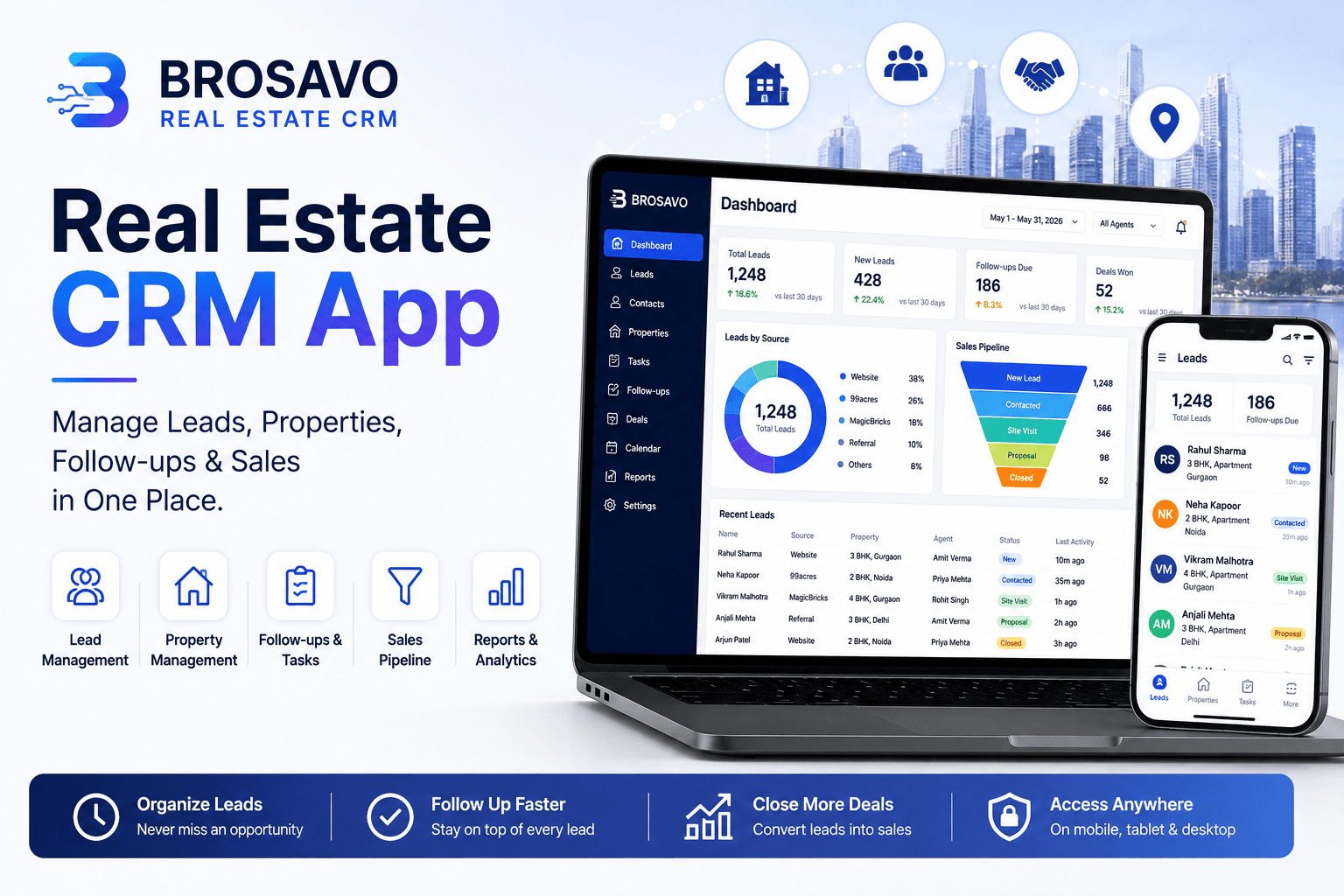
Real Estate CRM App: Manage Leads, Properties, Follow-Ups & Sales in One Place
Looking for a real estate CRM app? Discover how BROSAVO helps agents, brokers and teams manage leads, properties, follow-ups and sales.
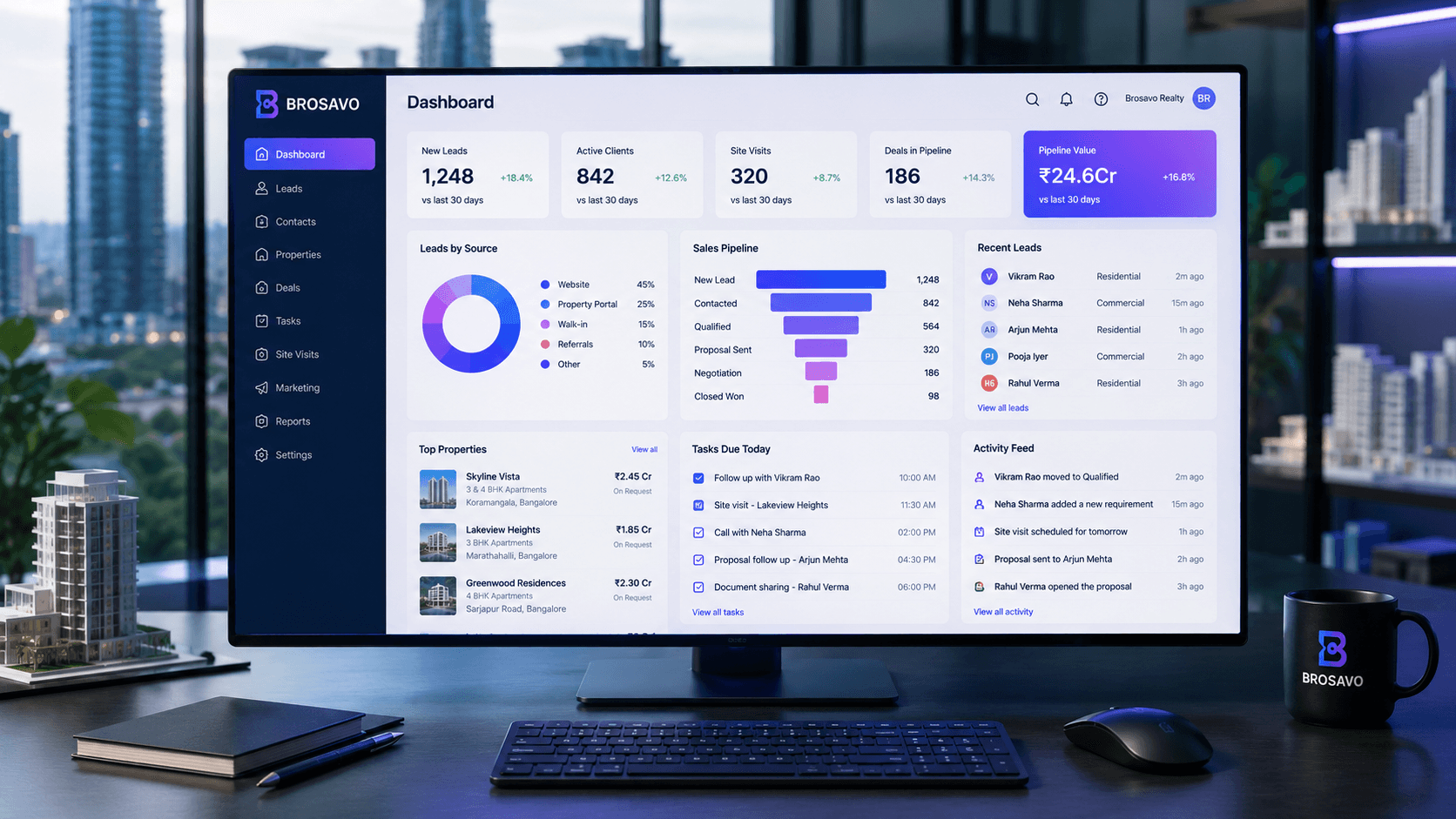
Real Estate CRM Software | Brosavo Real Estate CRM
Brosavo Real Estate CRM helps agents, brokers and sales teams manage leads, customers, properties, follow-ups and real estate sales pipelines.
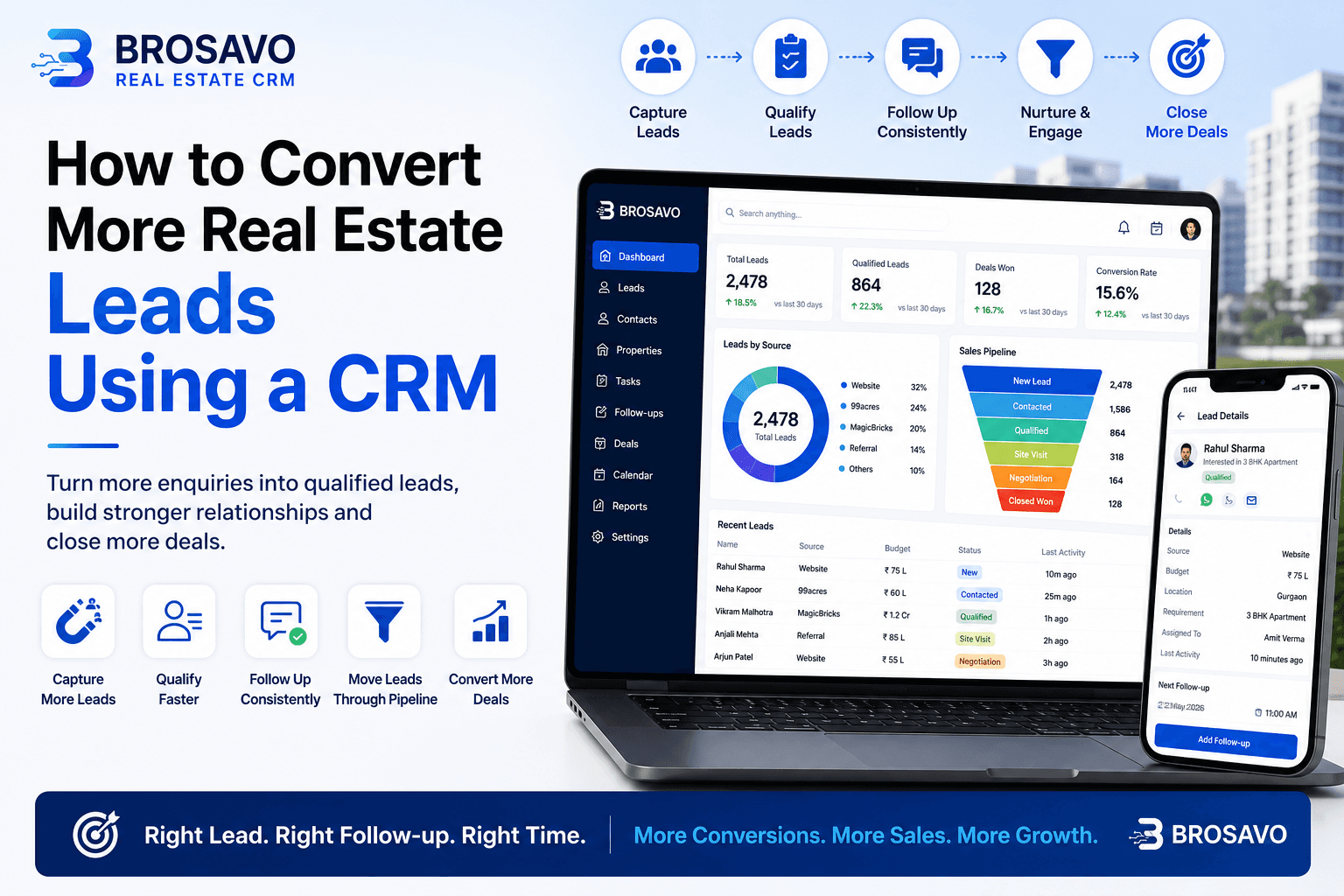
How to Convert More Real Estate Leads Using a CRM
Learn how to convert more real estate leads using CRM software to organize enquiries, follow-ups, property requirements and sales opportunities.