Real Estate CRM vs Excel: Which Is Better for Managing Property Leads?
Compare real estate CRM vs Excel for managing property leads, customers, follow-ups, properties and sales pipelines, and see when CRM makes sense.

Real Estate CRM vs Excel: Which Is Better for Managing Property Leads?
For many real estate businesses, Excel is one of the first tools used to manage leads and customer information.
A spreadsheet can be useful when an agent has a small number of enquiries and a relatively simple sales process. But as lead volume increases, businesses often need more structure around follow-ups, customers, properties, sales opportunities and team activity.
This is where the difference between a real estate CRM vs Excel becomes important.
Excel is primarily a spreadsheet tool. A real estate CRM is designed to organize customer relationships and sales workflows.
For real estate businesses managing a growing number of leads, a dedicated CRM such as BROSAVO Real Estate CRM can provide a more structured environment for managing the property sales process.
Real Estate CRM vs Excel: What Is the Difference?
The main difference is how information is organized and used.
Excel stores information in spreadsheets, rows and columns. It can be customized to track leads, customers, property details and sales activity.
A CRM is designed specifically to manage relationships, sales opportunities and activities through a structured workflow.
| Excel | Real Estate CRM |
|---|---|
| Spreadsheet-based | CRM-based |
| Highly manual | Structured workflow |
| Flexible tables | Purpose-built records and processes |
| Follow-ups require manual tracking | Follow-ups can be organized within the CRM workflow |
| Limited pipeline visualization | Sales pipeline visibility |
| Can become difficult to manage as data grows | Designed to manage larger sales workflows |
| Useful for simple tracking | Designed for ongoing customer and sales management |
Neither option is automatically right for every business.
The better choice depends on how many leads you manage, how many people are involved and how complex your sales process is.
Can Excel Be Used for Real Estate Lead Management?
Yes. Excel can be used to track real estate leads.
An agent might create columns such as:
- Customer name
- Phone number
- Property requirement
- Location
- Budget
- Lead source
- Lead status
- Follow-up date
- Notes
For a small operation, this can be enough.
The problem usually appears when the spreadsheet becomes the central system for a much larger sales operation.
As the number of leads, customers and follow-ups increases, maintaining accurate information manually can become increasingly difficult.
When Is Excel Good Enough for a Real Estate Business?
Excel may be suitable when:
- You manage a small number of leads.
- You work mostly by yourself.
- Your sales process is simple.
- You do not need extensive pipeline visibility.
- You have limited property information to manage.
- You are comfortable maintaining the spreadsheet manually.
- You do not need multiple users working within a structured CRM workflow.
For an individual agent starting out, there is nothing inherently wrong with using a spreadsheet.
The important question is whether the tool continues to support the business as it grows.
What Problems Can Happen When Real Estate Teams Rely on Excel?
The biggest challenge is not Excel itself.
The challenge is that a spreadsheet does not automatically provide a real estate sales workflow.
Consider a team managing hundreds of enquiries.
The spreadsheet may contain all the customer names, but the sales manager may still need to determine:
- Which leads are new?
- Which leads need follow-up?
- Which customers have shown interest?
- Which opportunities have progressed?
- Which properties are relevant?
- Which leads belong to which salesperson?
- Which opportunities are close to a decision?
The spreadsheet can contain the information without necessarily providing the workflow around it.
This creates additional manual work.
Real Estate CRM vs Excel for Lead Tracking
Lead tracking is one of the biggest differences between the two approaches.
With Excel, the business typically creates and updates columns manually.
For example:
| Lead | Property | Status | Follow-Up |
|---|---|---|---|
| Customer A | Property X | New | Tomorrow |
| Customer B | Property Y | Qualified | Friday |
| Customer C | Property Z | Site Visit | Today |
This works.
But a CRM is designed around these relationships rather than treating them as independent spreadsheet cells.
The lead, customer, property and sales opportunity can form part of the same business workflow.
This becomes increasingly valuable as the number of records increases.
Real Estate CRM vs Excel for Follow-Ups
Follow-ups are critical in property sales.
A potential buyer may not be ready to purchase immediately.
They may need:
- Additional property information
- Time to compare properties
- A site visit
- Discussions with family members
- Financing considerations
- Negotiation
With Excel, follow-up dates can be stored in cells.
However, the sales team still needs to manage those dates and update the spreadsheet manually.
A CRM provides a more structured place for sales activities and customer information.
The objective is not simply to create more follow-ups.
It is to make follow-up management part of the overall sales process.
Real Estate CRM vs Excel for Customer Management
Customer information becomes more valuable when it is connected to the customer's sales journey.
For example, an agent may need to remember:
- What the customer is looking for
- Which properties they discussed
- What their budget is
- What stage the opportunity has reached
- What follow-up is required
- What happened during previous interactions
In Excel, this information may be stored across columns, rows or separate sheets.
A CRM is designed to organize customer information as part of an ongoing relationship.
This makes it easier for a salesperson to understand the context of an opportunity.
Real Estate CRM vs Excel for Property Management
Property information can also become difficult to manage in spreadsheets.
A business may maintain separate sheets for:
- Properties
- Leads
- Customers
- Availability
- Sales
- Follow-ups
The more sheets and relationships a business creates, the more important data organization becomes.
A real estate CRM can bring property-related workflows closer to the customer and sales process.
For example:
Customer requirement → Relevant property → Follow-up → Sales opportunity
This is much closer to how real estate businesses actually operate.
Real Estate CRM vs Excel for Sales Pipeline Management
A spreadsheet can contain a status column such as:
New
Qualified
Property Discussion
Site Visit
Negotiation
Closed
But a CRM is designed to make the sales pipeline itself a core part of the system.
A real estate sales pipeline can help the team understand how opportunities are progressing.
A typical workflow may look like:
Lead
↓
Qualification
↓
Requirement Understanding
↓
Property Matching
↓
Follow-Up
↓
Site Visit
↓
Negotiation
↓
Closing
The exact stages should match the actual process used by the business.
The important benefit is visibility.
Managers can see the overall state of opportunities instead of relying entirely on spreadsheet filters and manual reviews.
Is a Real Estate CRM Better Than Excel?
For a growing real estate business, a dedicated CRM will generally provide a more structured environment than a spreadsheet.
However, "better" depends on the business.
Excel may be better when:
- The business is very small.
- There are only a limited number of leads.
- One person manages the data.
- The workflow is simple.
- The business needs a flexible spreadsheet rather than a dedicated system.
A CRM may be better when:
- Lead volume is increasing.
- Multiple people are involved in sales.
- Follow-ups are becoming difficult to track.
- Customer information is scattered.
- Property information needs to be connected with sales activity.
- Managers need pipeline visibility.
- The business wants a dedicated real estate sales workflow.
BROSAVO Real Estate CRM vs Excel
BROSAVO Real Estate CRM is designed specifically for real estate businesses rather than using a generic spreadsheet as the primary sales system.
BROSAVO focuses on workflows around:
- Lead management
- Customer management
- Property-related information
- Follow-ups
- Sales pipeline
- Sales activities
- Team workflows
- Reporting and visibility
The basic relationship is:
BROSAVO → Leads → Customers → Properties → Sales
Learn more about the broader platform on the BROSAVO Real Estate CRM page.
How BROSAVO Can Replace Spreadsheet-Based Lead Management
Moving from Excel to a CRM does not mean abandoning organized processes.
Instead, it means moving those processes into a system designed for customer and sales management.
For example, instead of maintaining:
Leads.xlsx
Properties.xlsx
Followups.xlsx
Sales.xlsx
a real estate business can work toward a centralized CRM workflow.
The benefit is not simply fewer spreadsheets.
The larger benefit is having customer, property and sales information organized around the actual sales process.
For businesses specifically focused on lead management, see our guide to real estate lead management.
Should Small Real Estate Businesses Move From Excel to CRM?
Not every small business needs a CRM immediately.
If an agent manages a small number of customers and the existing spreadsheet works reliably, there may be little reason to change.
However, a CRM becomes increasingly useful when the business begins experiencing:
- More enquiries
- More properties
- More follow-ups
- More salespeople
- More customer interactions
- More active opportunities
The decision should be based on operational complexity rather than simply business size.
How to Decide Between Excel and a Real Estate CRM
Ask these questions:
How many leads do you manage?
If your lead volume is growing quickly, manual spreadsheet management may become difficult.
How many people manage your leads?
A multi-person team generally needs more structured visibility than a single agent.
How many follow-ups happen every week?
If follow-up activity is becoming difficult to track, a CRM may help organize the process.
How many properties do you manage?
More properties create more relationships between customers, requirements and available opportunities.
Can you easily see your sales pipeline?
If answering this question requires manually filtering several spreadsheets, a CRM may provide a better workflow.
Are leads being forgotten?
If important enquiries are regularly missed or delayed, the business should review its lead management process.
Real Estate CRM vs Excel: Cost Considerations
Excel and CRM software also differ in how businesses should think about cost.
A spreadsheet may appear inexpensive because the software may already be available to the business.
But the real cost of a system includes more than the software license.
Businesses should also consider:
- Time spent maintaining data
- Manual follow-up work
- Duplicate data entry
- Reporting effort
- Training
- Team coordination
- Data organization
- Opportunity management
A CRM should therefore be evaluated based on the operational value it provides, not only its subscription price.
For businesses comparing CRM costs, see our guide to real estate CRM pricing.
When Should a Real Estate Business Move From Excel to CRM?
There is no universal number of leads that determines when a business should switch.
A better indicator is operational complexity.
Consider moving to a CRM when:
You are spending more time managing spreadsheets than managing customers.
Other warning signs include:
- Follow-ups are frequently missed.
- Multiple versions of spreadsheets exist.
- Team members have different customer information.
- Managers cannot easily understand the pipeline.
- Property information is difficult to connect with leads.
- Customer history is difficult to find.
- Sales reporting requires significant manual work.
At that point, a dedicated CRM can provide a more structured foundation.
Frequently Asked Questions
Is Excel good for real estate lead management?
Excel can be effective for simple real estate lead tracking, particularly for individual agents with a limited number of leads. As lead volume and workflow complexity increase, a dedicated CRM can provide more structure.
Is a CRM better than Excel for real estate?
For businesses managing many leads, customers, properties and sales activities, a dedicated real estate CRM can provide better workflow organization and pipeline visibility than a spreadsheet.
Can I manage real estate leads in Excel?
Yes. Excel can store lead names, contact information, property requirements, lead status and follow-up dates. The limitation is that much of the organization and workflow remains manual.
When should a real estate agent stop using Excel?
There is no fixed lead count. An agent should consider a CRM when spreadsheets become difficult to maintain, follow-ups are being missed or customer and property information is becoming difficult to organize.
Can Excel track real estate follow-ups?
Yes. Follow-up dates and notes can be stored in spreadsheet columns. A CRM provides a more structured environment for organizing sales activities around customer records and opportunities.
Can a real estate CRM manage properties and leads together?
A real estate CRM can connect property-related workflows with customer and lead management, depending on the capabilities of the platform. This is one of the advantages of using software designed specifically for real estate.
Is a real estate CRM useful for individual agents?
Yes. An individual agent can benefit from a CRM when they manage enough leads, customers, properties and follow-ups that spreadsheets or notes become difficult to maintain.
Is a CRM necessary for a small real estate business?
Not necessarily. A small business with a simple workflow may be able to operate effectively with Excel. A CRM becomes more useful as lead volume, customer interactions and sales complexity increase.
Does BROSAVO replace Excel?
BROSAVO can provide a dedicated environment for real estate lead, customer, property and sales workflows. Whether a business should completely replace Excel depends on how it currently uses spreadsheets and which processes it wants to move into a CRM.
What is BROSAVO Real Estate CRM?
BROSAVO Real Estate CRM is software designed for real estate businesses to organize leads, customers, property-related workflows, follow-ups and sales activities in a centralized system.
Final Verdict: Real Estate CRM or Excel?
Excel remains a useful tool for simple data tracking.
But a spreadsheet and a CRM solve different problems.
Excel is primarily a spreadsheet.
A real estate CRM is a system for managing customer relationships and sales workflows.
If you are an individual agent with a small number of leads, Excel may be enough.
If you are managing a growing number of enquiries, customers, properties, follow-ups or sales opportunities, a dedicated CRM can provide a more structured approach.
For real estate businesses looking to move beyond spreadsheet-based lead management, BROSAVO Real Estate CRM provides a platform focused on real estate sales workflows.
The goal is not to use more software.
The goal is to make it easier to manage the information and activities that actually drive property sales.
Explore BROSAVO Real Estate CRM and see whether a dedicated real estate CRM is the right next step for your business.
Transform Your Real Estate Business with Brosavo
Brosavo Real Estate CRM helps real estate professionals capture leads, automate follow-ups, manage properties, organize customer relationships, and streamline their daily operations from one modern platform.

Written by
Brosavo Editorial Team
Research & Content Team
The Brosavo Editorial Team publishes in-depth guides, industry research, software comparisons, and best practices for real estate professionals. Every article is reviewed for accuracy and updated regularly to reflect the latest trends in the real estate industry.
Related posts
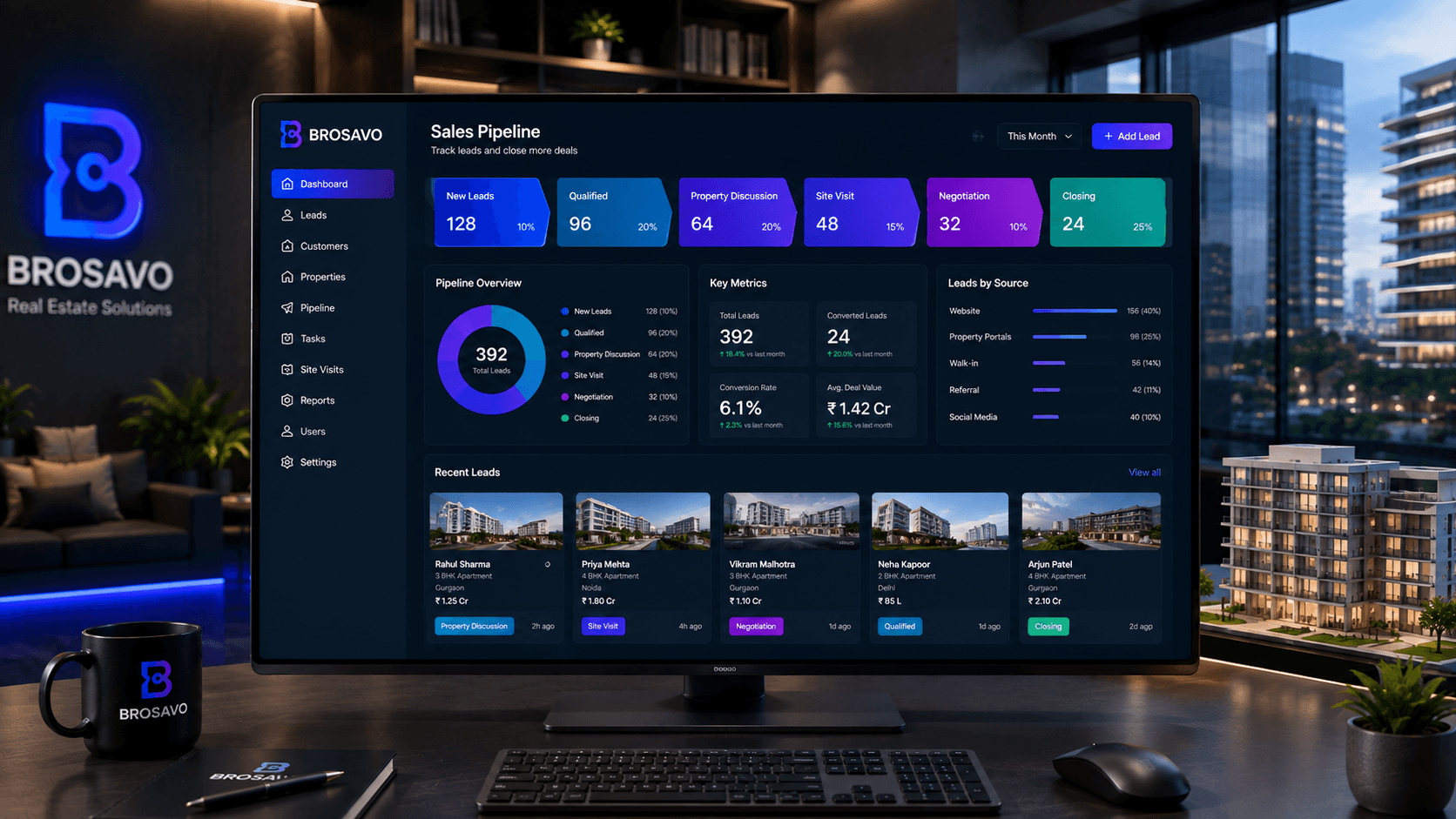
Real Estate Sales CRM: Manage Leads, Follow-Ups & Property Sales
Real estate sales CRM software for managing property leads, qualification, follow-ups, sales pipelines, site visits and customer relationships in one system.
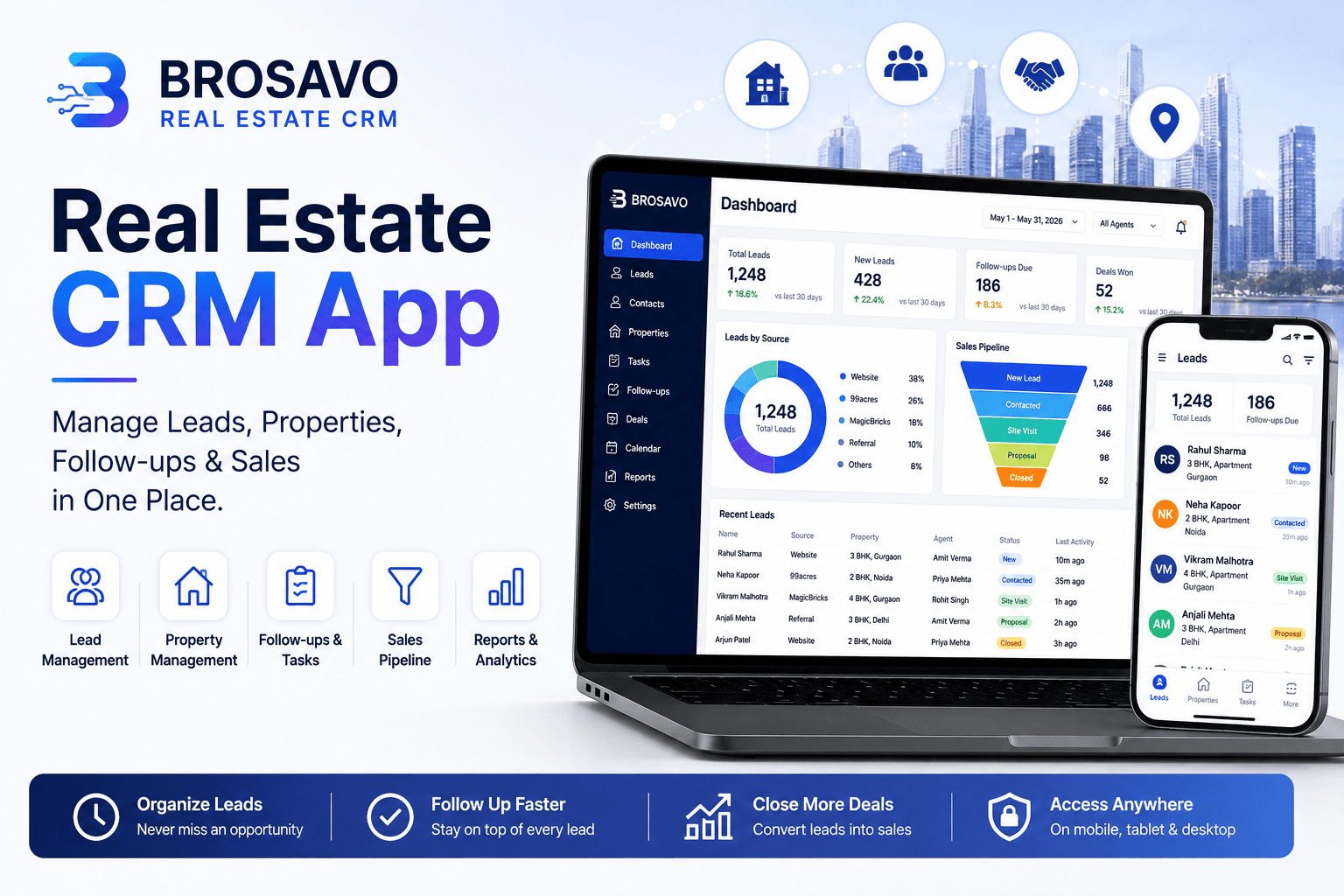
Real Estate CRM App: Manage Leads, Properties, Follow-Ups & Sales in One Place
Looking for a real estate CRM app? Discover how BROSAVO helps agents, brokers and teams manage leads, properties, follow-ups and sales.
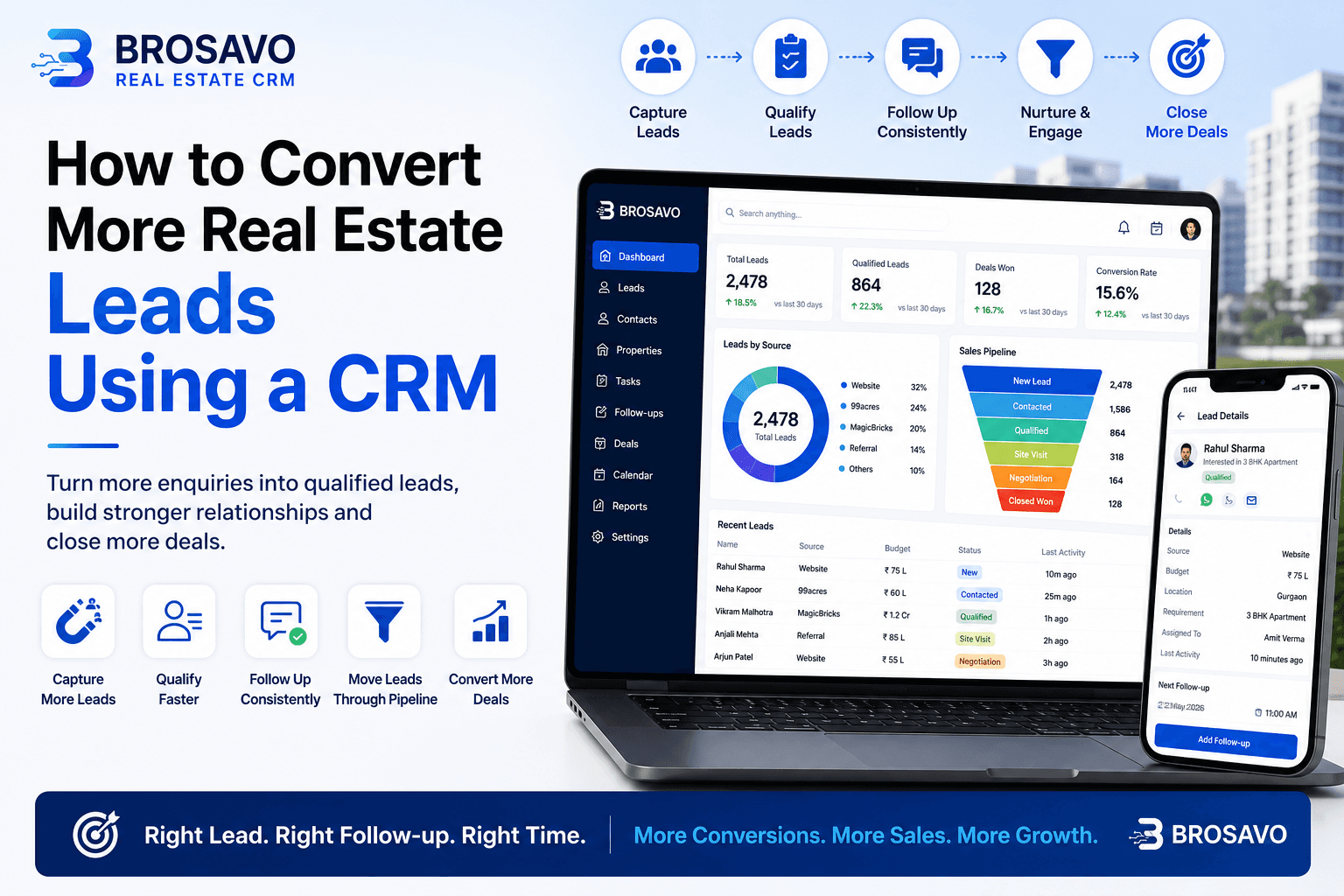
How to Convert More Real Estate Leads Using a CRM
Learn how to convert more real estate leads using CRM software to organize enquiries, follow-ups, property requirements and sales opportunities.