What Is a Real Estate CRM? A Complete Guide for Realtors and Real Estate Agencies
What is a real estate CRM? Learn how CRM software helps realtors and agencies manage leads, follow-ups, properties, sales pipelines, communication, and automation.
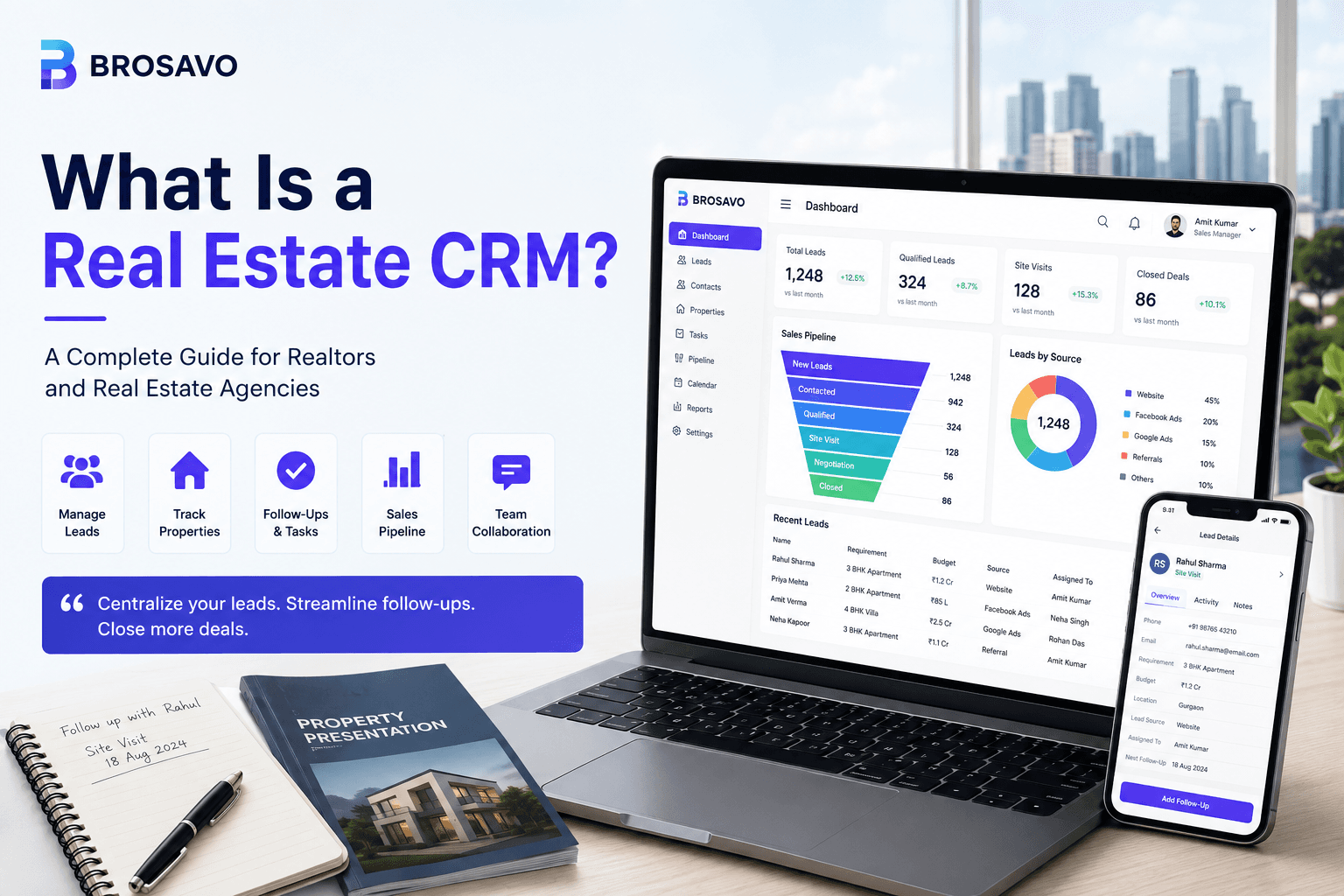
What Is a Real Estate CRM? A Complete Guide for Realtors and Real Estate Agencies
A real estate CRM is software that helps realtors, brokers, property consultants, and real estate agencies manage leads, customers, property requirements, follow-ups, communication, and sales activities from one centralized system.
Instead of keeping customer information across spreadsheets, notebooks, phone contacts, messaging applications, and separate property files, a real estate CRM brings the sales process into one organized workspace.
For a real estate business, this can mean better lead visibility, fewer missed follow-ups, more consistent sales processes, and easier management of customer relationships.
In this guide, you'll learn what a real estate CRM is, what it does, who should use one, which features matter, how it compares with Excel, and how to choose a CRM for your real estate business.
What Is a Real Estate CRM?
A real estate CRM is a Customer Relationship Management system designed specifically for real estate workflows.
A typical real estate CRM helps teams manage the journey from the first enquiry through qualification, follow-up, property discussions, site visits, negotiations, and closing.
It can store information such as:
Lead and customer details Phone numbers and email addresses Property requirements Budgets Preferred locations Property types Lead sources Assigned salespeople Follow-up activities Sales pipeline stages Notes and communication history
The main purpose is simple:
Give the real estate team one reliable place to manage every lead and every stage of the sales process.
What Does a Real Estate CRM Do?
A real estate CRM helps businesses capture leads, organize customer information, assign enquiries to agents, schedule follow-ups, manage sales pipelines, track property requirements, automate repetitive tasks, and measure sales performance.
A typical workflow may look like:
New Lead ↓ Contacted ↓ Qualified ↓ Property Shortlisted ↓ Site Visit ↓ Negotiation ↓ Booking ↓ Closed
The exact stages can differ between businesses.
A residential brokerage, commercial property firm, rental agency, and property developer may all have different sales processes.
A useful CRM should support the workflow the business actually uses.
Why Do Realtors Need a CRM?
Real estate sales are rarely completed after one interaction.
A buyer might enquire about a property today, visit several properties next week, compare options over the following month, and eventually make a purchase.
A seller may initially contact an agency for information and only become ready to list the property later.
That makes follow-up and customer history extremely important.
Without a structured system, information can become fragmented.
A salesperson might have:
The customer's phone number in their phone Property requirements in WhatsApp Follow-up dates in a notebook Lead details in Excel Property information in another document
A CRM brings those pieces together.
Instead of relying on memory or multiple disconnected tools, the salesperson can open one lead record and understand what has already happened and what needs to happen next.
How Does a Real Estate CRM Work?
Most real estate CRMs organize customers around a sales pipeline.
- Capture the Lead
A potential customer submits a website form, calls the agency, sends a WhatsApp message, responds to an advertisement, or comes through a referral.
- Create the Lead Record
The CRM stores the customer's basic information and requirements.
- Assign the Lead
The enquiry is assigned to the appropriate salesperson or team.
- Qualify the Lead
The salesperson records information such as budget, location, property type, timeline, and buying or renting requirements.
- Manage Follow-Ups
The salesperson schedules calls, messages, meetings, and other activities.
- Move the Lead Through the Pipeline
As the customer progresses, the lead moves through stages such as qualified, site visit, negotiation, booking, and closed.
- Track the Outcome
The business can measure what happened to the lead and use that information to improve the sales process.
How Are Real Estate Leads Captured?
A real estate CRM can act as a central destination for enquiries from different channels.
Depending on the CRM and business, lead sources may include:
Website forms Property portals Paid advertising Social media Phone calls Email WhatsApp Referrals Walk-in enquiries Existing customers
Centralizing these sources allows a business to manage leads using one process instead of maintaining separate lists.
It can also make it easier to understand which sources are producing enquiries and which are producing stronger sales opportunities.
Real Estate Lead Management
Lead management is one of the core functions of a real estate CRM.
A good lead record should provide enough context for a salesperson to understand the customer before the next interaction.
Depending on the business, this may include:
Information Example Customer Rahul Sharma Requirement 3 BHK apartment Location Gurgaon Budget ₹1.5 crore Property Type Residential Lead Source Website Assigned Agent Sales Team A Stage Site Visit Next Follow-Up August 18 Notes Prefers property near metro
The more organized the information is, the easier it becomes for the salesperson to continue the conversation without asking the customer to repeat everything.
What Is Lead Assignment in a Real Estate CRM?
Lead assignment determines which salesperson or team is responsible for an enquiry.
For example, an agency might assign leads according to:
Location Property type Sales territory Team Agent availability Lead source Workload
Without a clear assignment process, leads can be ignored, duplicated, or handled by multiple salespeople.
A CRM gives the organization a clear ownership model.
Follow-Up Management for Realtors
Follow-up is one of the most important activities in real estate sales.
A customer who is not ready to buy today may become a serious buyer later.
A CRM can keep follow-up activities connected to each lead.
Instead of searching through messages or spreadsheets, a salesperson can see scheduled activities such as:
10:00 AM Call Rahul — 3 BHK requirement
12:30 PM Follow up with Priya — Site Visit
3:00 PM Send property options to Amit
5:30 PM Call Neha — Negotiation
This creates a clearer daily workflow and reduces reliance on memory.
Property Requirements in a CRM
A real estate lead is more than a name and phone number.
A buyer may have detailed requirements such as:
Property type Number of bedrooms Preferred location Budget Size Amenities Possession timeline Financing requirements Investment objectives
For example:
Property: Apartment Type: 3 BHK Location: Gurgaon Budget: ₹1.5 crore Preference: Near Metro Possession: Ready to move
Storing these requirements alongside the lead allows salespeople to understand what the customer is actually looking for.
Property Management
Some real estate CRMs also provide property and inventory management.
Depending on the platform, businesses may manage:
Property listings Property details Price Availability Location Property type Images Amenities Inventory status
The most useful systems connect property information with customer requirements.
For example, if a customer wants a 3 BHK property in a specific location and budget range, the salesperson should be able to consider that requirement while reviewing suitable inventory.
Sales Pipeline Management
A real estate sales pipeline gives managers and salespeople a clear view of current opportunities.
For example:
New Leads 125 Contacted 91 Qualified 64 Site Visits 38 Negotiations 17 Bookings 8 Closed 5
This helps answer important questions:
How many leads are currently active? How many have been qualified? How many site visits are scheduled? How many deals are being negotiated? Where are leads getting stuck? How much potential business is in the pipeline?
Without pipeline visibility, managers often have to rely on individual salespeople for updates.
CRM for Real Estate Agencies
A real estate agency has different requirements from an individual realtor.
An agency may need to manage:
Multiple salespeople Teams Lead ownership Lead distribution Manager access User permissions Sales targets Pipeline reporting Performance tracking Multiple lead sources
A CRM provides a shared operating system for the sales team.
Managers can see the overall pipeline while individual salespeople can focus on the leads assigned to them.
How Does a CRM Help Real Estate Teams Collaborate?
A shared CRM means the organization does not have to depend on information stored inside one employee's spreadsheet or phone.
When a salesperson is unavailable, another team member can review the customer's history and understand the status of the opportunity.
This creates more continuity in the sales process.
Real Estate CRM Automation
Automation can remove repetitive administrative work from the sales process.
Common examples include:
Follow-up reminders Lead assignment Notifications Task creation Status updates Lead routing Activity reminders Sales alerts
The purpose of automation is not to replace salespeople.
It is to reduce repetitive work so salespeople can spend more time on conversations, relationships, property discussions, and closing.
What Are the Benefits of a Real Estate CRM? Better Lead Organization
Every lead can have a structured record containing customer information, requirements, activities, and status.
Fewer Missed Follow-Ups
Scheduled tasks and reminders make it easier for agents to know what needs attention.
Faster Lead Response
Centralized lead capture and assignment can help teams respond more consistently.
Better Customer Experience
Salespeople can review previous interactions and customer requirements before contacting the customer.
Better Team Visibility
Managers can see lead ownership, pipeline stages, and sales activity.
More Consistent Sales Processes
Teams can follow standardized stages instead of relying entirely on individual working styles.
Better Reporting
Businesses can analyze lead sources, pipeline movement, agent performance, and sales activity.
More Scalability
As a business grows, a structured CRM can provide a more organized foundation than a collection of spreadsheets and disconnected tools.
Real Estate CRM vs Excel
Excel is a useful tool for storing and analyzing data.
For a small real estate business with a limited number of leads, a spreadsheet may be enough.
However, spreadsheets are not designed around the complete customer relationship and sales process.
Requirement Excel Real Estate CRM Store customer data Yes Yes Track leads Basic Purpose-built Follow-up management Manual Integrated Pipeline management Manual Built-in Lead assignment Manual Supported Automation Limited Built-in workflows Team visibility Basic Designed for teams Sales reporting Manual Integrated Communication history Usually separate Can be centralized
The key difference is:
Excel helps you store and analyze information. A real estate CRM helps you manage the customer and sales process.
Excel can still be useful for exports, analysis, financial calculations, and custom reporting.
When Should a Realtor Move From Excel to a CRM?
Excel may be sufficient while a business is small.
A CRM becomes increasingly useful when:
Leads are being forgotten Follow-ups are missed Multiple salespeople maintain separate spreadsheets Managers don't have pipeline visibility Duplicate leads are appearing Customer information is spread across different tools Lead volume is increasing Salespeople spend too much time on administration
The trigger is not necessarily the number of leads.
The more important question is:
Has managing the data become harder than managing the customers?
If the answer is yes, a CRM can provide a more structured solution.
Who Should Use a Real Estate CRM? Individual Realtors
Independent agents can use a CRM to organize enquiries, customer information, follow-ups, and opportunities.
Real Estate Brokers
Brokers can use CRM software to manage agents, pipelines, customer relationships, and sales activity.
Real Estate Agencies
Agencies can use a CRM to manage teams, lead assignment, sales pipelines, reporting, and performance.
Property Developers
Developers can use CRM systems to manage project enquiries, buyers, site visits, inventory, and bookings.
Rental Businesses
Rental agencies can use CRM software to manage tenant enquiries, property requirements, and ongoing follow-ups.
What Features Should a Real Estate CRM Have?
The ideal feature set depends on the business, but several capabilities are particularly useful.
Lead Management
The CRM should make it easy to create, search, filter, update, assign, and track leads.
Contact Management
Customer information should be stored in an organized and searchable record.
Follow-Up Management
Agents should be able to schedule and manage calls, meetings, tasks, and follow-ups.
Sales Pipeline
The system should provide clear visibility into the movement of leads through the sales process.
Property Management
Businesses that manage large property inventories may need property and inventory functionality.
Communication
Depending on the workflow, integrations with WhatsApp, email, calling, websites, and other communication channels can be valuable.
Automation
The CRM should reduce repetitive tasks where automation makes sense.
Reporting
Managers should be able to understand pipeline performance, lead sources, activities, conversions, and team performance.
User Roles and Permissions
Agencies often need different access levels for agents, managers, administrators, and other employees.
Mobile Access
Real estate salespeople frequently work away from a desk, making mobile access an important consideration.
How Do You Choose the Right Real Estate CRM?
The best CRM is not necessarily the one with the largest number of features.
It is the one that fits your actual sales process.
Before selecting a platform, consider these questions.
How Many Leads Do You Receive?
A solo realtor receiving a few enquiries each week will have different requirements from an agency handling hundreds or thousands of enquiries.
How Large Is Your Team?
Larger teams generally need stronger lead assignment, user roles, permissions, and reporting.
Where Do Your Leads Come From?
Consider whether you receive enquiries through websites, property portals, advertising, social media, WhatsApp, phone calls, email, or referrals.
What Is Your Sales Process?
Your CRM should support the stages your team actually uses.
Do You Need Automation?
If your sales team spends a significant amount of time creating reminders, assigning leads, and completing repetitive tasks, automation can make a meaningful difference.
Does the CRM Fit Your Budget?
Compare the total cost with the number of users, features, integrations, and operational value the CRM provides.
Frequently Asked Questions About Real Estate CRM What is a real estate CRM?
A real estate CRM is software that helps realtors, brokers, and real estate agencies manage leads, customer information, property requirements, follow-ups, communication, sales pipelines, and other sales activities in one centralized system.
How does a real estate CRM help realtors?
A real estate CRM helps realtors organize leads, track customer requirements, schedule follow-ups, manage sales opportunities, maintain customer history, and reduce repetitive administrative work.
What is the difference between a real estate CRM and a regular CRM?
A regular CRM is designed for general customer relationship management across many industries. A real estate CRM is typically built around property-specific workflows such as buyer requirements, listings, site visits, property enquiries, lead sources, and real estate sales pipelines.
Is a real estate CRM better than Excel?
For simple lead tracking, Excel can be sufficient. As a real estate business grows, a dedicated CRM generally provides stronger lead management, follow-ups, pipeline tracking, team collaboration, automation, and reporting.
Can a real estate CRM manage property leads?
Yes. A real estate CRM can organize property enquiries and connect customer requirements with lead records, sales stages, follow-ups, and, depending on the platform, property inventory.
Is a CRM useful for a small real estate agency?
Yes. Even a small agency can benefit from centralized lead management, shared customer information, follow-ups, lead assignment, and pipeline visibility.
What features should a real estate CRM have?
Important features can include lead management, contact management, follow-up tracking, sales pipelines, property management, communication integrations, automation, reporting, user permissions, and mobile access.
Does a real estate CRM replace WhatsApp and email?
Not necessarily. A CRM can complement communication tools by organizing customer information and activities while integrating with or tracking communication channels used by the sales team.
How much does a real estate CRM cost?
Pricing varies by CRM, number of users, features, integrations, and business requirements. Businesses should compare the total cost with the operational value the CRM provides.
How Brosavo Helps Real Estate Teams
Brosavo is a real estate CRM platform designed to help real estate professionals manage their sales process from one centralized system.
Instead of relying on scattered spreadsheets and disconnected tools, Brosavo is built around the day-to-day workflows of real estate teams.
Brosavo can help teams organize:
Real estate leads Customer information Sales pipelines Follow-ups Lead assignment Property-related workflows Sales activities Team performance
The goal is straightforward:
Help real estate professionals spend less time managing scattered information and more time building customer relationships and closing business.
For growing real estate teams, a centralized system can make it easier to create consistent sales processes and maintain visibility across the organization.
Final Thoughts
A real estate CRM is more than a digital contact list.
It is a system for organizing the customer journey from the first enquiry through qualification, follow-up, property discussions, site visits, negotiations, and closing.
For an independent realtor, it can improve organization and follow-up.
For a growing real estate agency, it can provide centralized lead management, team collaboration, pipeline visibility, automation, and reporting.
The best CRM is not simply the one with the most features.
It is the one that helps your team answer three fundamental questions:
Which leads do we have?
What does each customer need?
What should we do next?
When spreadsheets and disconnected tools start making those questions harder to answer, a dedicated real estate CRM can become an important foundation for a more organized and scalable sales operation.
Brosavo is built with that real estate workflow in mind.
Transform Your Real Estate Business with Brosavo
Brosavo Real Estate CRM helps real estate professionals capture leads, automate follow-ups, manage properties, organize customer relationships, and streamline their daily operations from one modern platform.

Written by
Brosavo Editorial Team
Research & Content Team
The Brosavo Editorial Team publishes in-depth guides, industry research, software comparisons, and best practices for real estate professionals. Every article is reviewed for accuracy and updated regularly to reflect the latest trends in the real estate industry.
Related posts

Real Estate CRM Canada | CRM for Canadian Realtors | Brosavo
Discover how a real estate CRM helps Canadian realtors manage leads, clients, properties, follow-ups and sales in one modern platform with Brosavo.
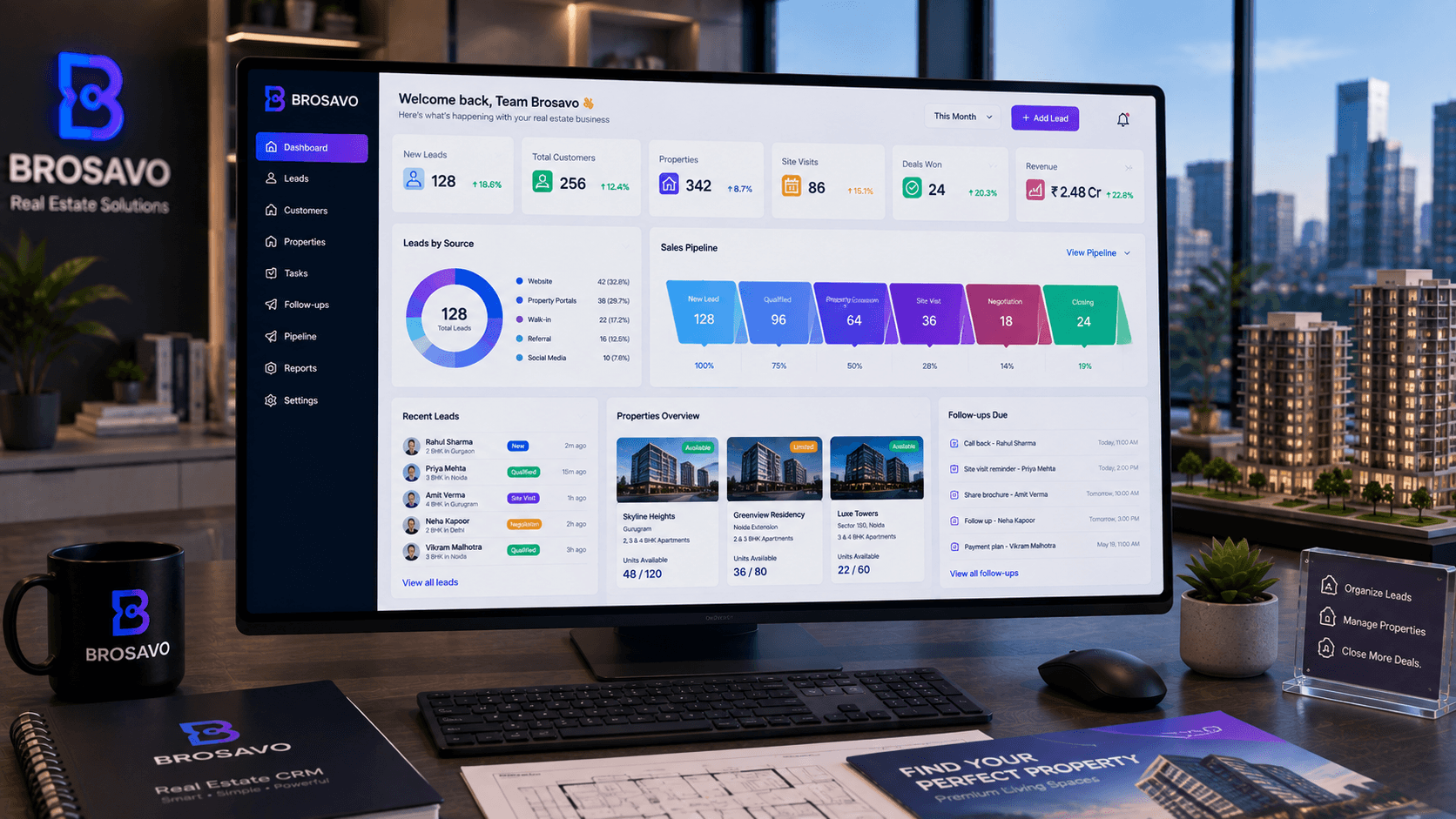
Free Real Estate CRM: What to Look For Before Choosing One | Brosavo
Looking for a free real estate CRM? Compare lead limits, users, property inventory, follow-ups and reporting, then evaluate Brosavo for your team.
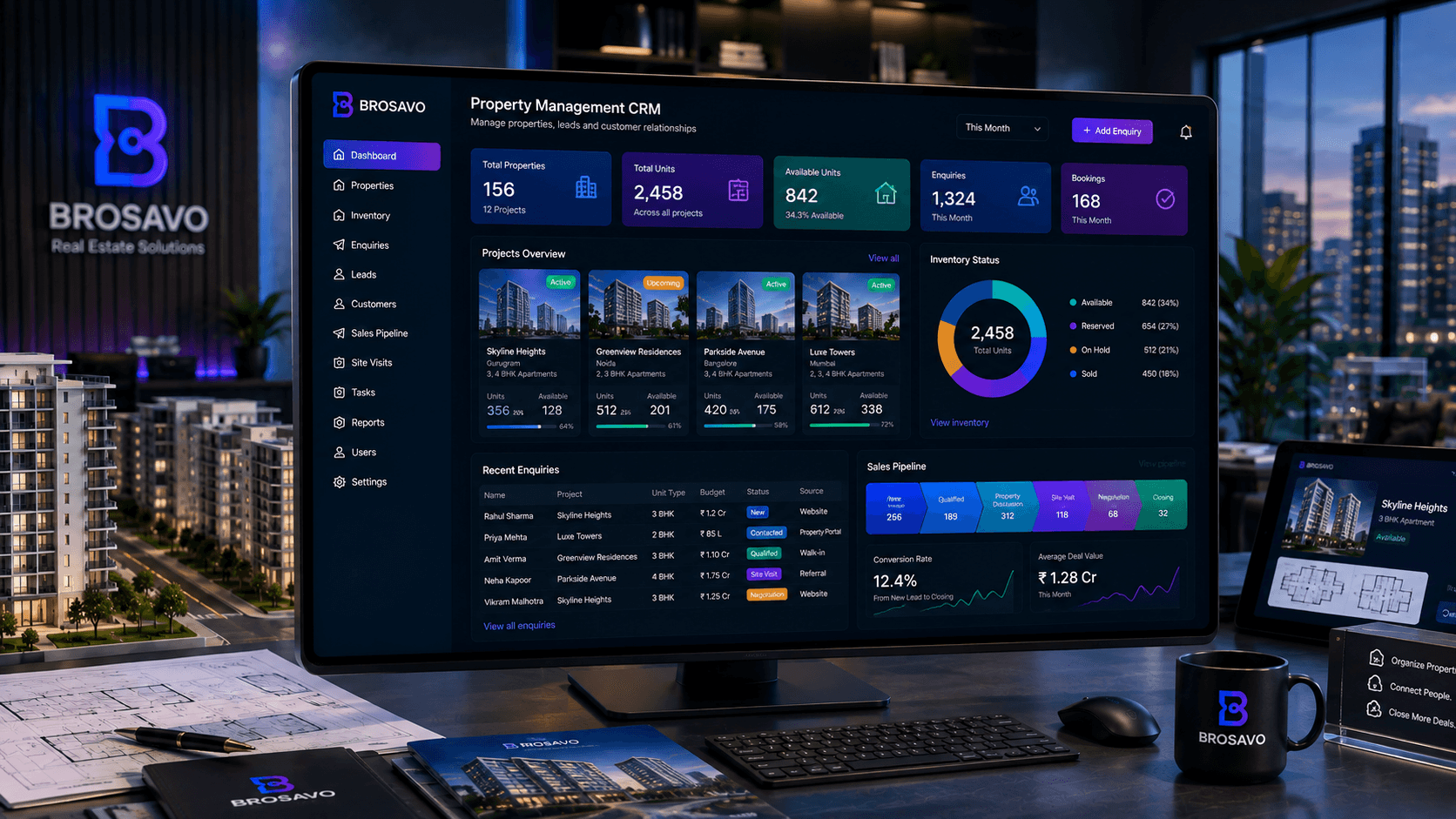
Property Management CRM for Real Estate Teams | Brosavo
Property management CRM for real estate teams to organize property inventory, enquiries, customer follow-ups, sales workflows and property-related data.